By the Viora team · Last updated July 1, 2026.
Viora replaces typing with speaking. Hold a global hotkey, talk the way you actually think, and clean text drops at the cursor of whatever app you were already using — chat, email, IDE, doc, form, anywhere. There is no separate window to wrestle with, no copy-paste, and no "raw transcript" that you need to clean up afterward.
This page is the product overview. If you want the full guide on Mac dictation in general — including how the built-in macOS feature compares — see the Mac dictation guide.
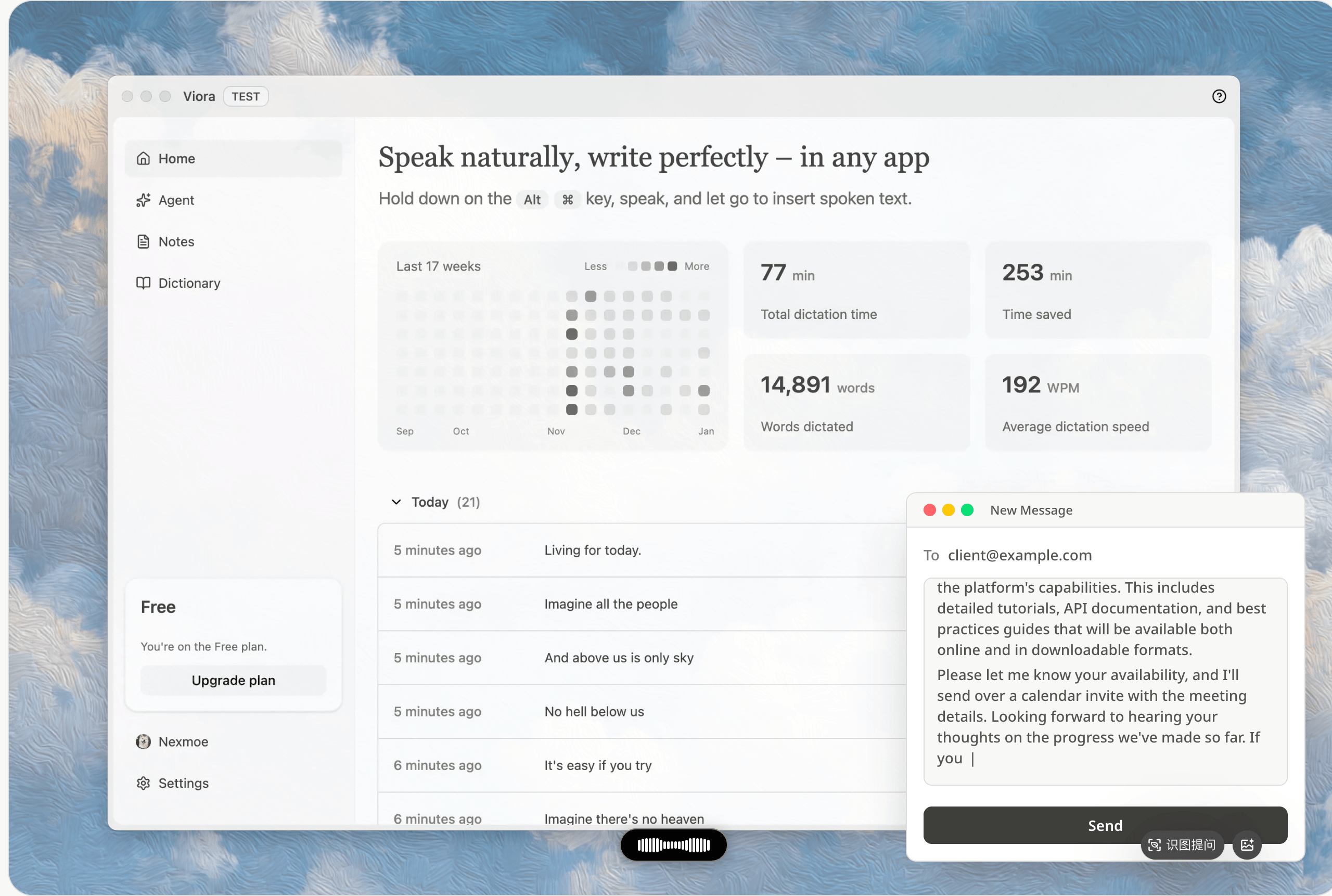
How it works
- Hold the hotkey. By default it's
Fn; on keyboards without an Fn key, Ctrl+F. Both are fully customizable.
- Speak naturally. Pause, restart, change your mind — Viora cleans it up.
- Release. Cleaned-up text drops into the cursor of whatever app you're focused on. The Capsule sits in the corner so you always know Viora is ready, never in the way.
That's the whole loop. There's no transcript window to copy from, no "send to GPT" step, and no need to switch apps before or after.
For current shortcuts and microphone checks, see Dictation setup and troubleshooting.
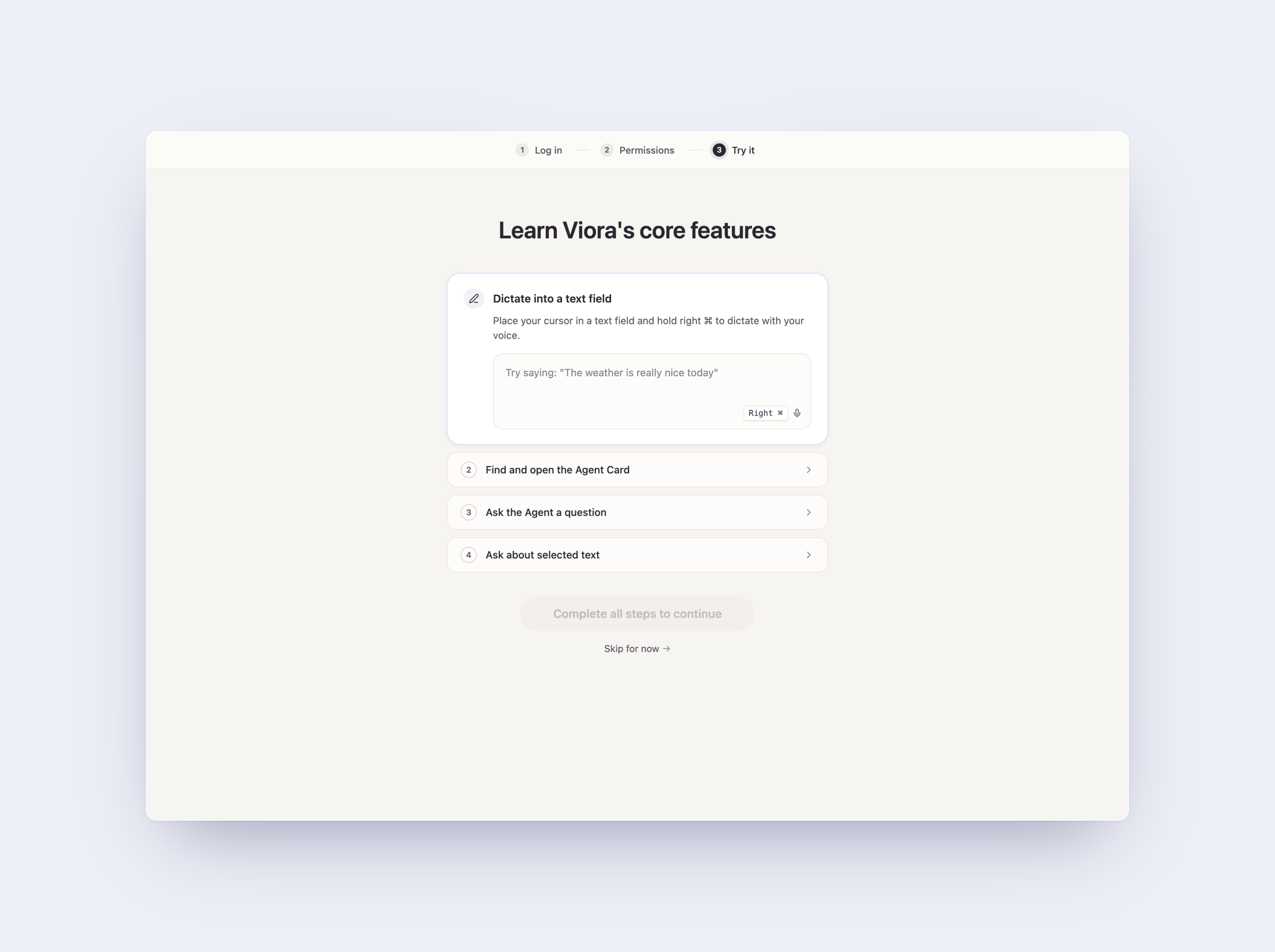
Speak naturally, get polished text
Most dictation tools transcribe your literal words. Viora reads what you meant.
- Filler words removed. "Um", "uh", "you know", false starts — gone before they hit the page.
- Punctuation and capitalization handled. You don't need to say "comma" or "period."
- Edits when you change your mind. Restart a sentence and Viora keeps the version you actually wanted.
- Tone matches the app. A reply in Slack reads casual; a paragraph in Mail reads professional. Viora picks up the cue from the surface you're typing into.
The result is text that reads like you typed it — just three to four times faster.
Works in any text field
Viora doesn't depend on app-specific integrations. It writes into whatever has the cursor:
- Chat: Slack, Messages, WhatsApp, Discord, Telegram
- Email: Mail, Gmail in the browser, Outlook, Superhuman
- Docs: Notion, Google Docs, Obsidian, Bear, Apple Notes, Ulysses
- Code: Cursor, VS Code, Xcode, Warp, the Terminal
- Browser: any input on any site
- Forms: support tickets, CRMs, anywhere a text box exists
If you can type into it, Viora can dictate into it.
Built for macOS
- Native on Apple Silicon and Intel. Dedicated arm64 and x64 builds — full M-series speed, no Rosetta tax.
- Stays out of the way. The Capsule docks to a screen corner, tucks to the edge, and only expands when you have something to look at.
- Global hotkey. No window switching, no menu hunting. The shortcut works the same in every app.
- Custom dictionary. Names, products, technical terms — Viora learns the words you actually use.
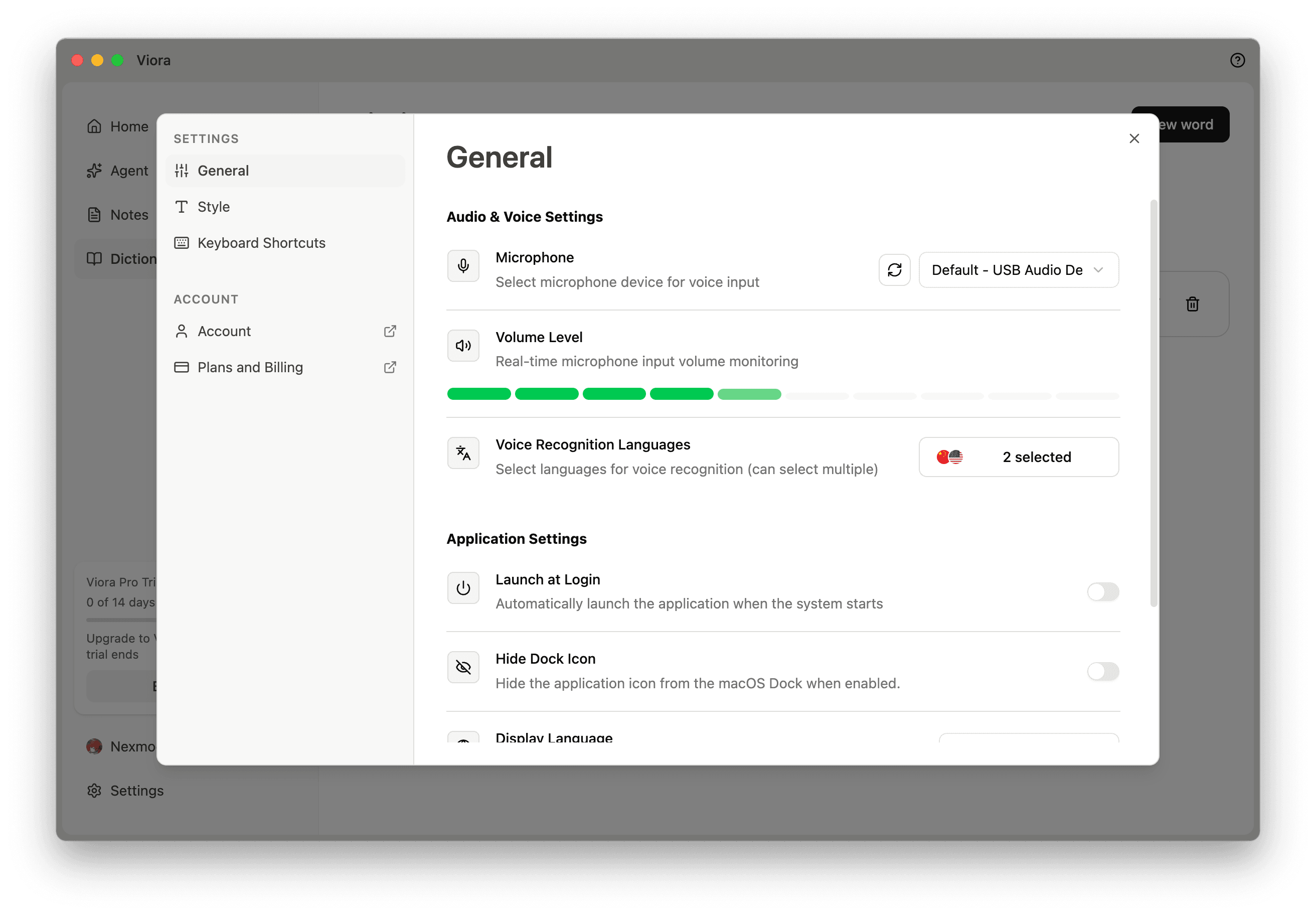
Privacy
Viora processes audio through managed cloud transcription so the dictation pipeline stays fast and accurate. Recordings are cached locally on your Mac, and a Privacy Mode toggle lets you opt out of capturing the surrounding context (selected text, active app name) when that matters. We don't train models on your data.
If "no audio ever leaves my Mac" is a hard requirement, Viora won't satisfy it today; Superwhisper does.
Specs at a glance
| |
|---|
| Platform | macOS (Apple Silicon and Intel) |
| Languages | 100+, with automatic language routing |
| Default hotkey | Fn or Ctrl+F (fully customizable) |
| Pricing | Free $0 · Pro $15 / month |
| Sign-up | Optional — install and start dictating without an account |
Quick start
- Download Viora — installer for macOS Apple Silicon and Intel.
- Launch and pick your hotkey on the onboarding screen.
- Hold the hotkey in any app and start speaking.
Three steps. Productive within minutes.
FAQ
Is Viora fully offline?
No. Viora uses managed cloud transcription. Privacy Mode can reduce captured context for supported new tasks, but it does not make transcription fully local.
Does Viora work in any Mac app?
Viora is designed to insert text where the cursor is active on macOS, including chat apps, email, docs, code editors, browsers, and forms. Specific behavior can still depend on app focus and macOS permissions.
Does Viora support Windows, iOS, or Android?
No. Viora is macOS-only today, with Apple Silicon and Intel Mac builds listed publicly.