

Securely stored
Data is securely stored in our cloud.
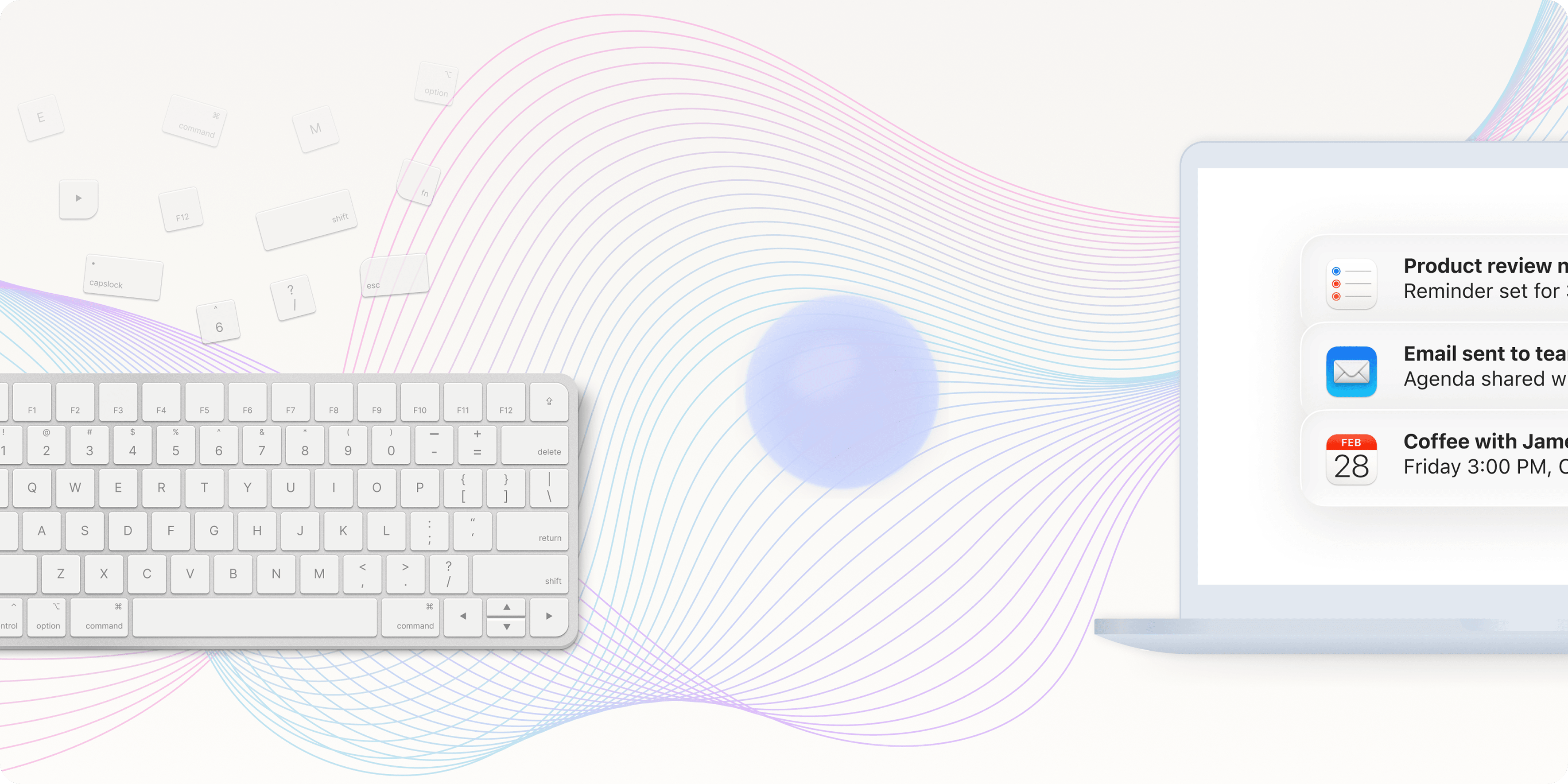
Voice AI assistant for macOS.Hold to speak. She takes it from there.
Most computer work still begins with clicking, switching, and typing.
But often, what shows up first is not a polished block of text, but a sentence, a question, or a thought still taking shape.
What Viora wants to do is turn speaking into a more natural, more continuous interface.
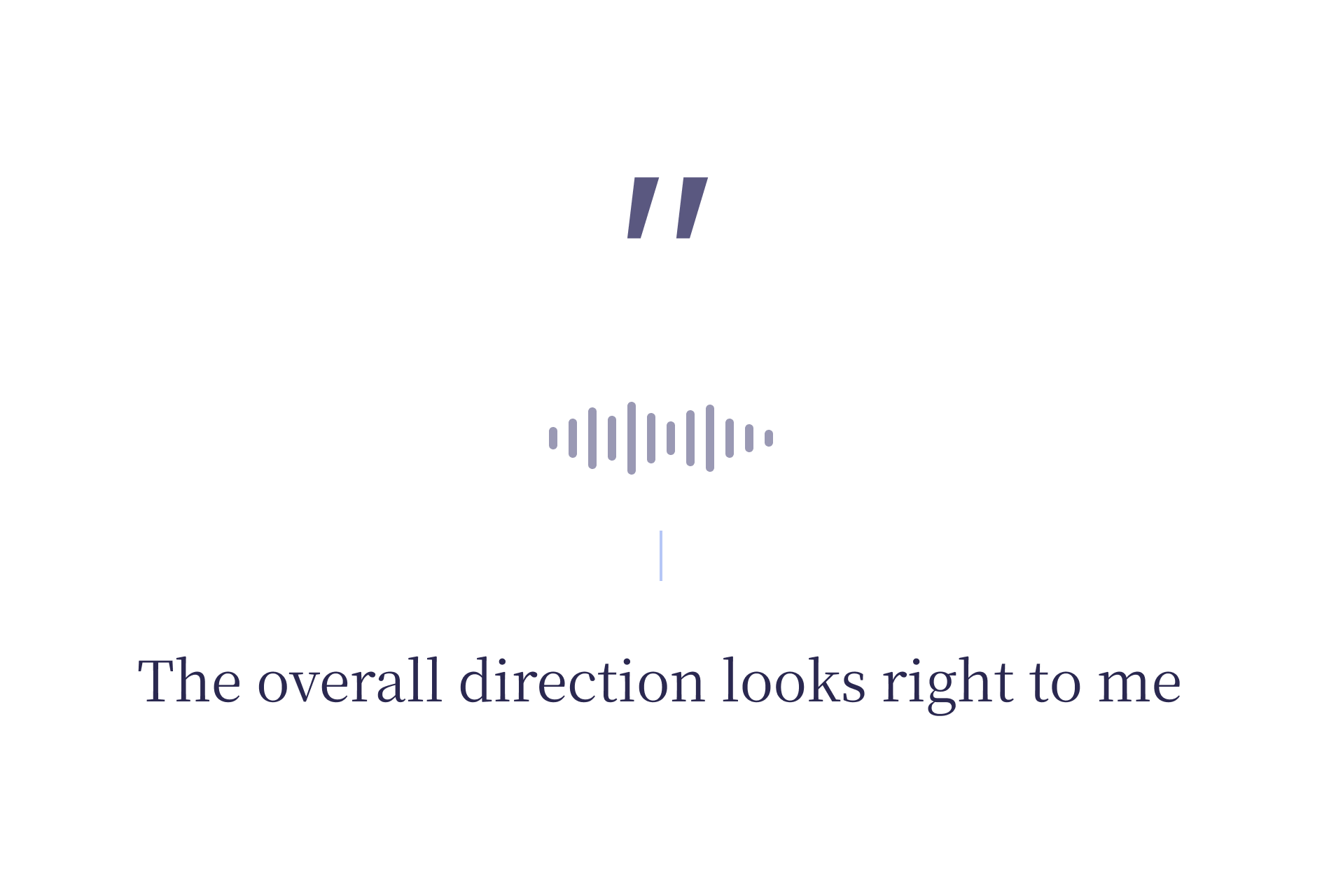
Press the shortcut and say what you want to say. Viora figures out whether you want to type, edit, ask, or hand off a task.
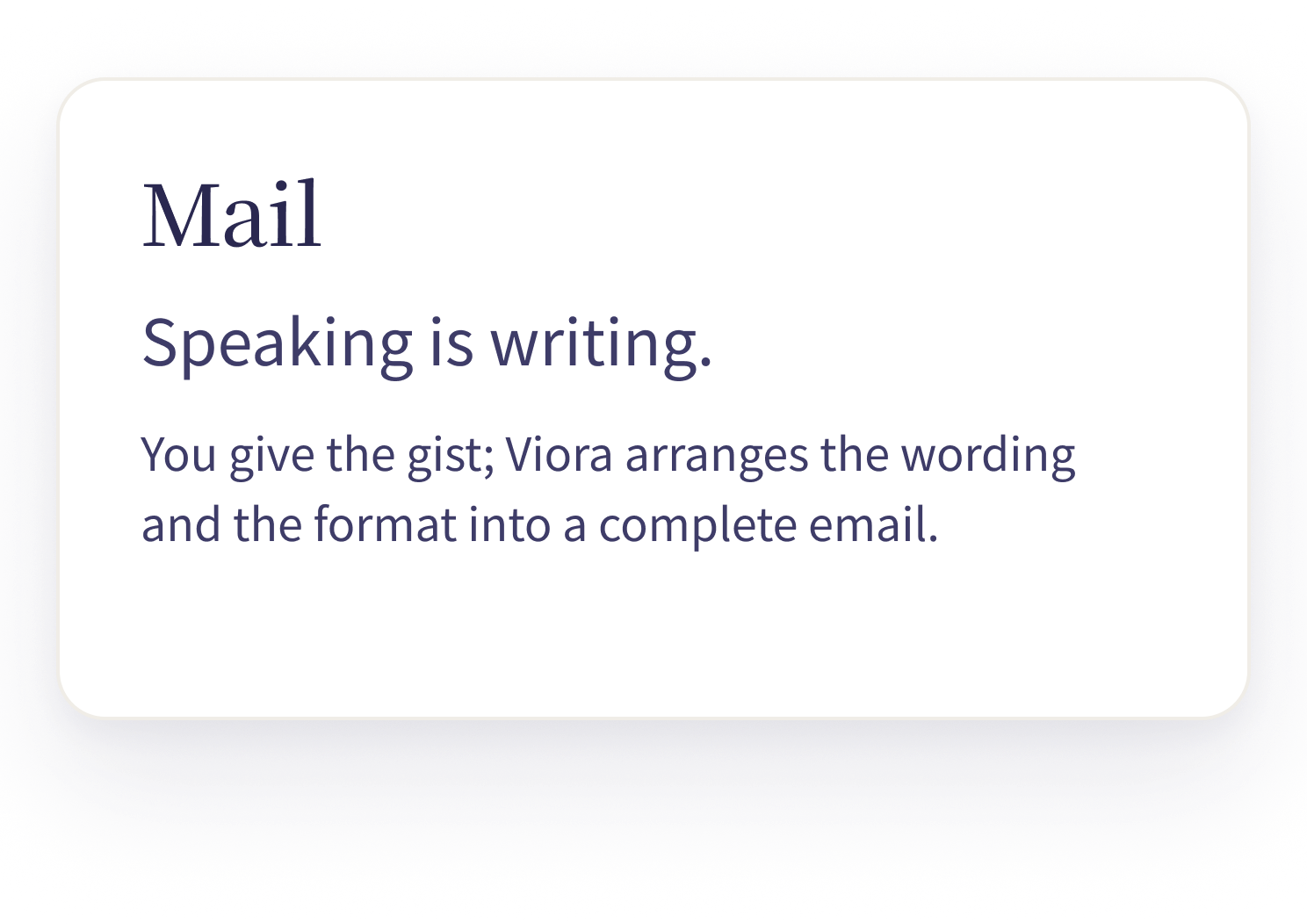
Speak into any input field and it lands as the text you wanted. Tone follows the context; punctuation is on her.
Voice → text · inside any input
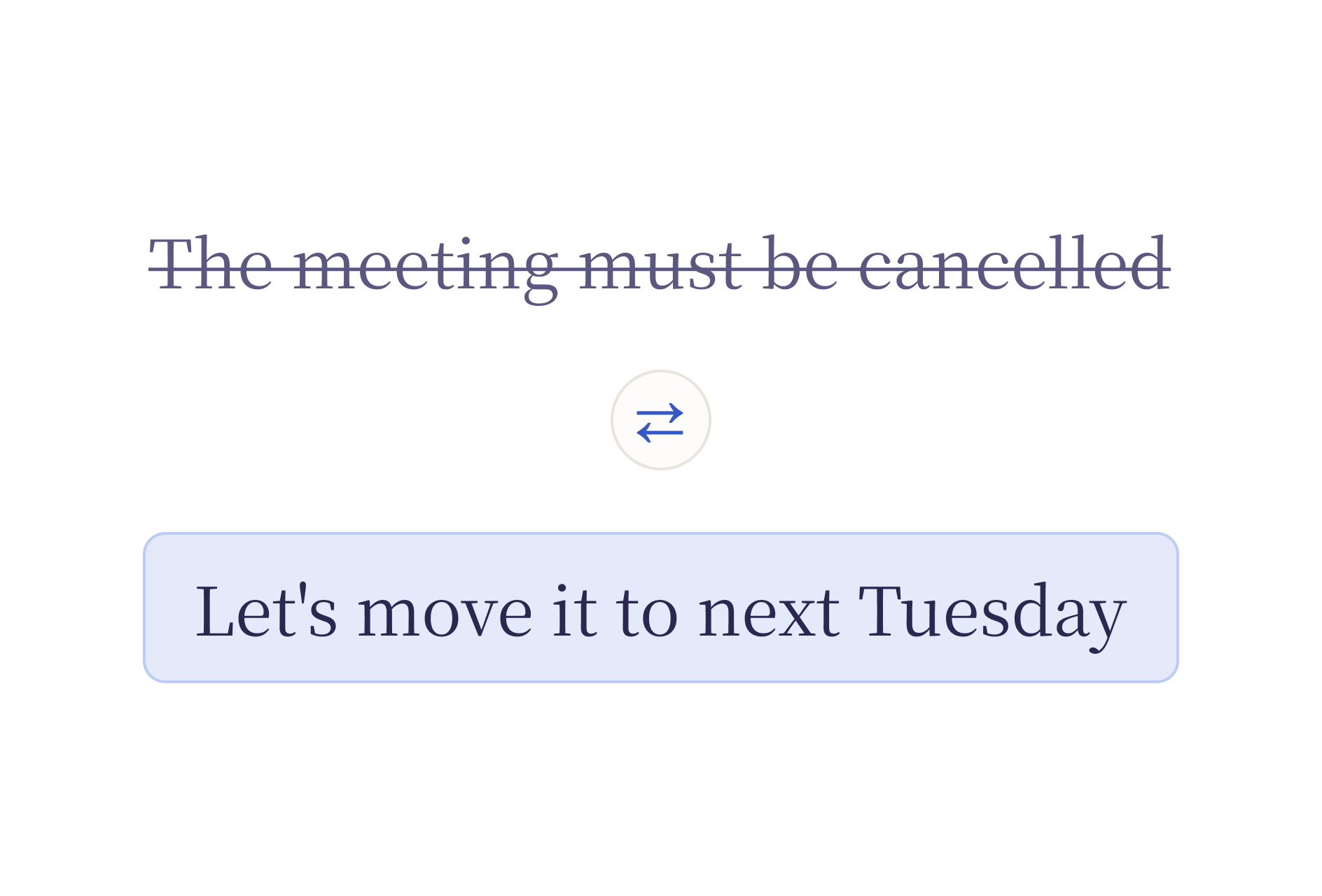
Select the text and tell her how to change it. Tone, length, stance — one sentence is enough; she rewrites it.
Select → say one line → replace
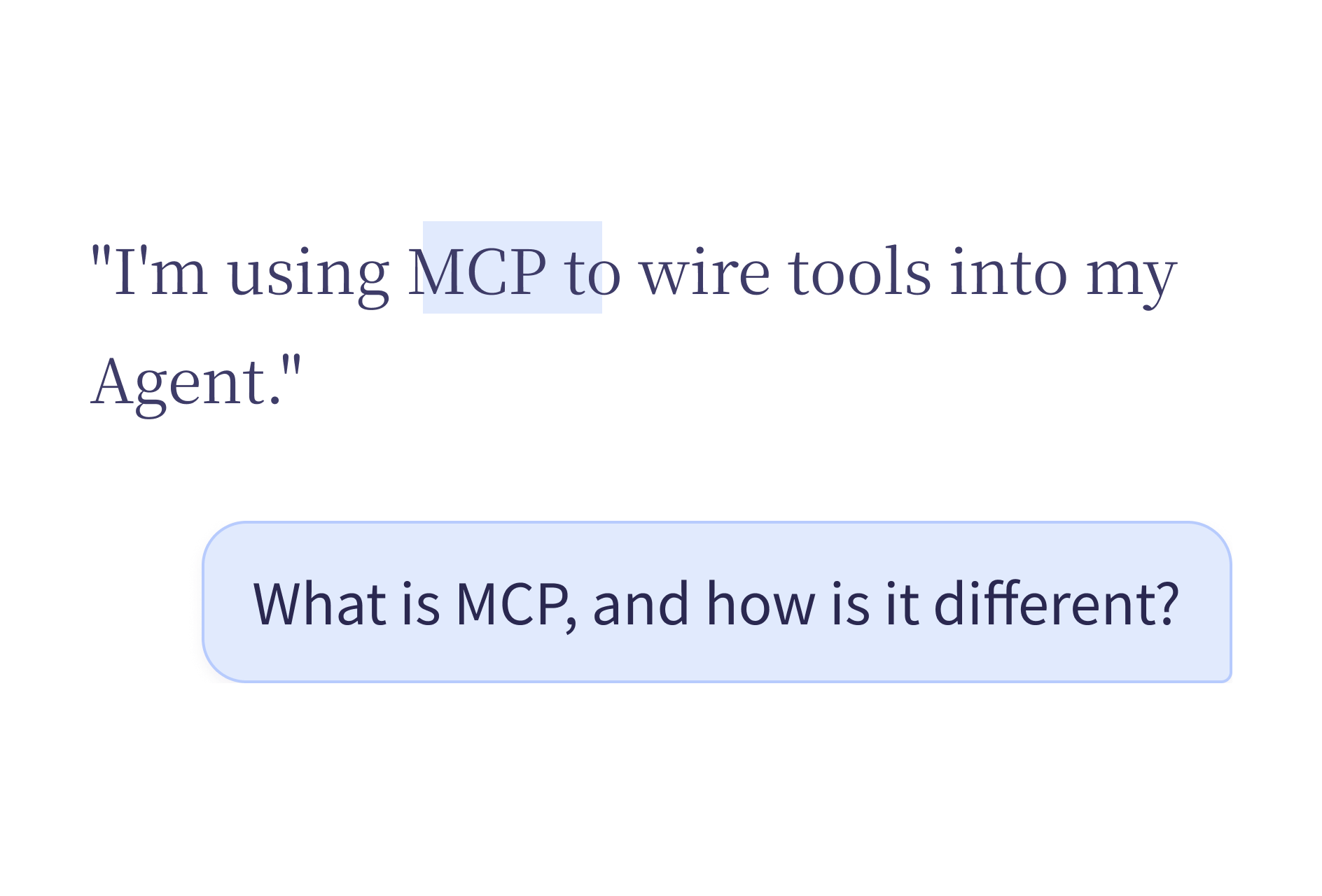
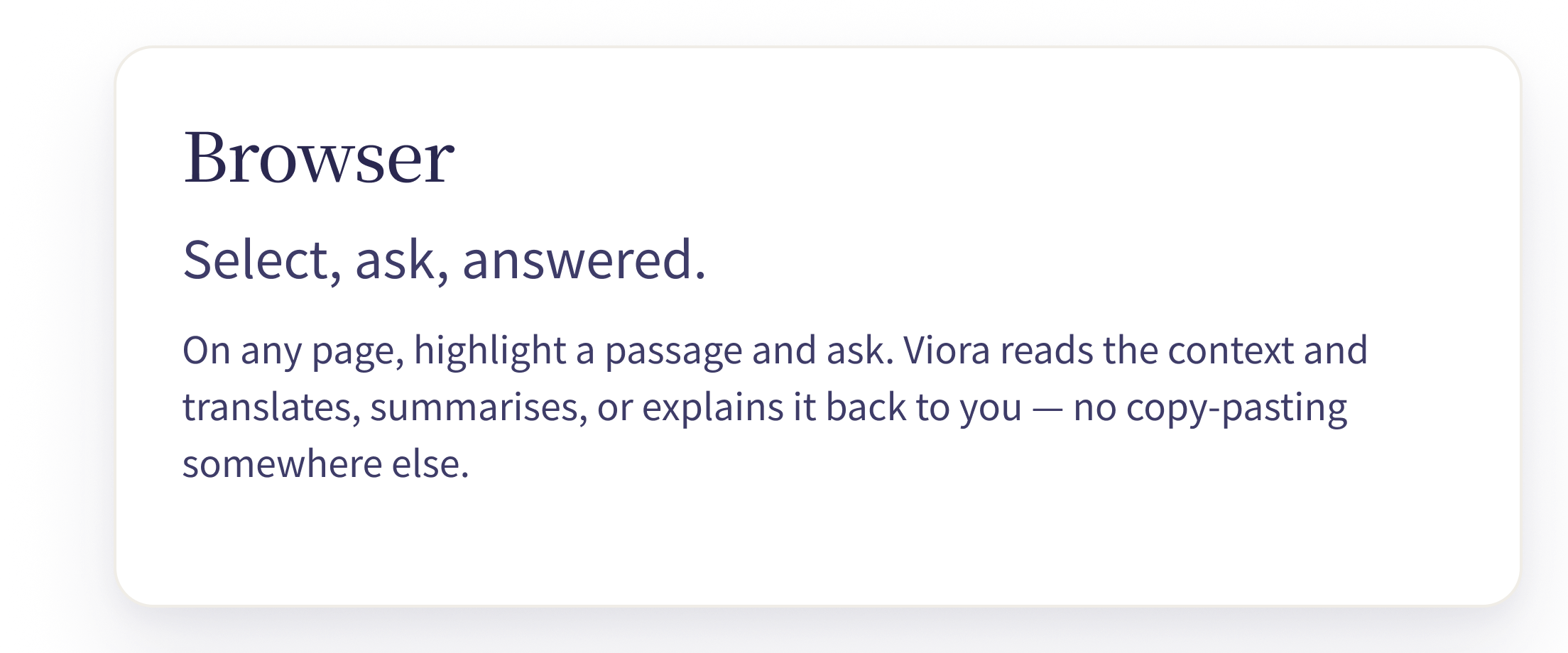
Highlight a passage, ask, and the answer surfaces right next to the source. No window switching, no copy-paste, no typing.
Ask in place → answered in place (Agent popover)
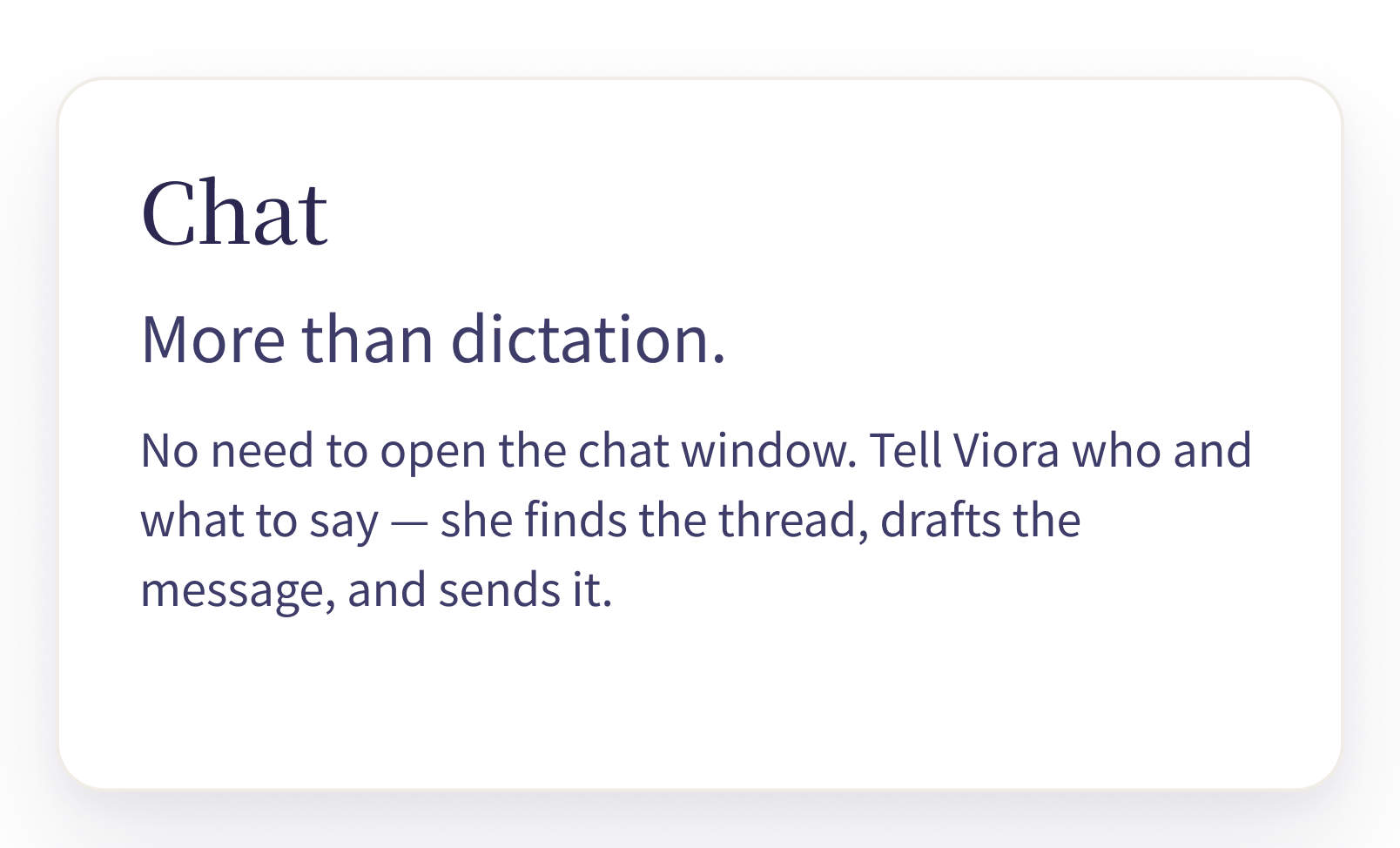
Hand off a task and she sees it through. Read, write, tidy, remind — one step at a time, visible the whole way.
State intent → auto-stepped → reviewed by you
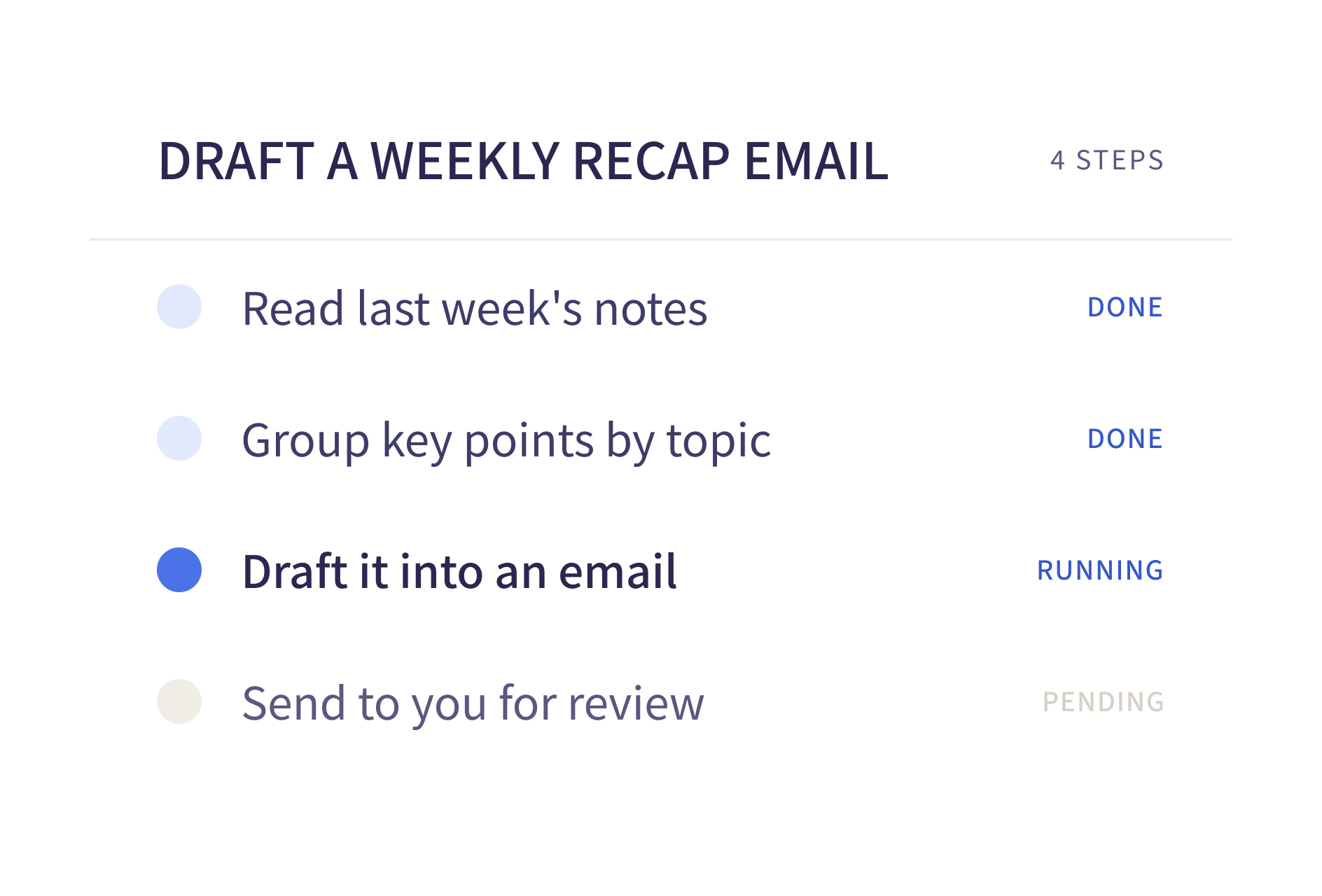
Every action starts with a sentence.
Viora is not an app you need to open. She lives in the corners of your Mac, wherever you already work.
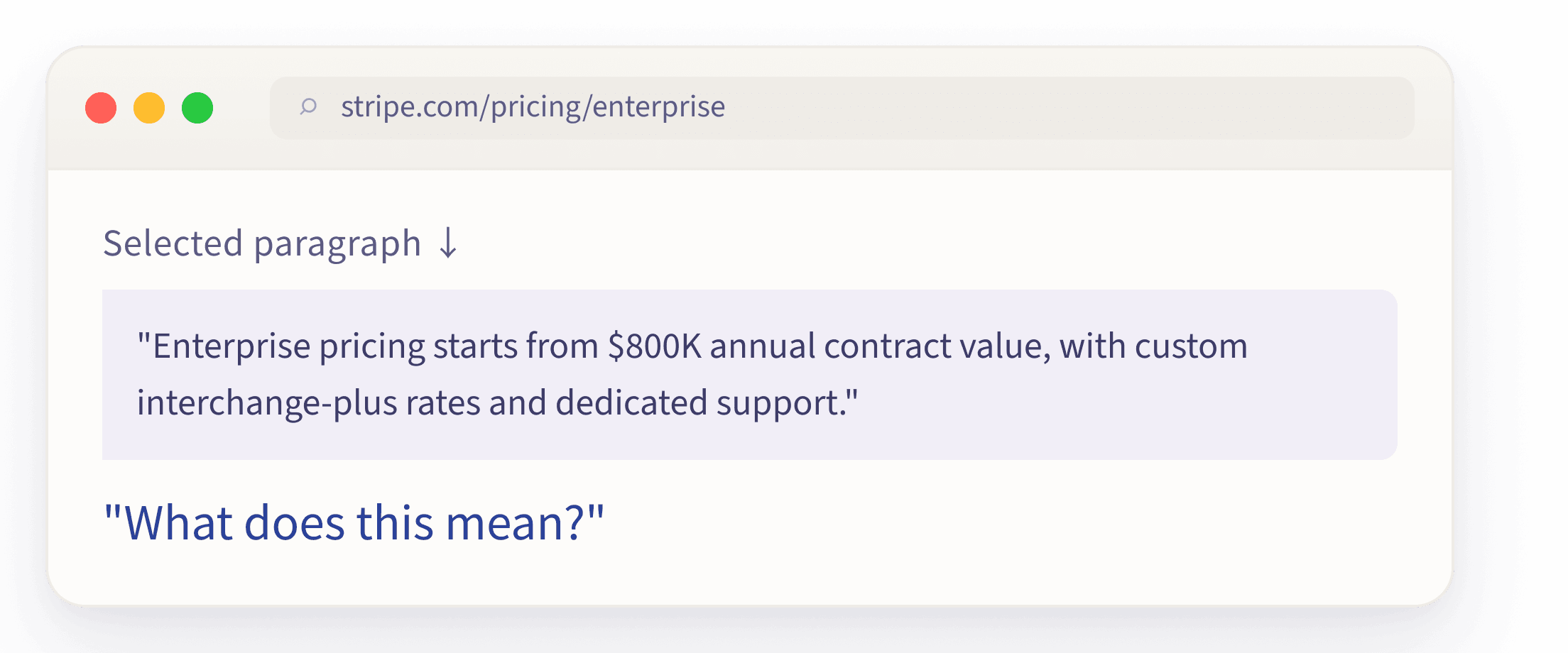
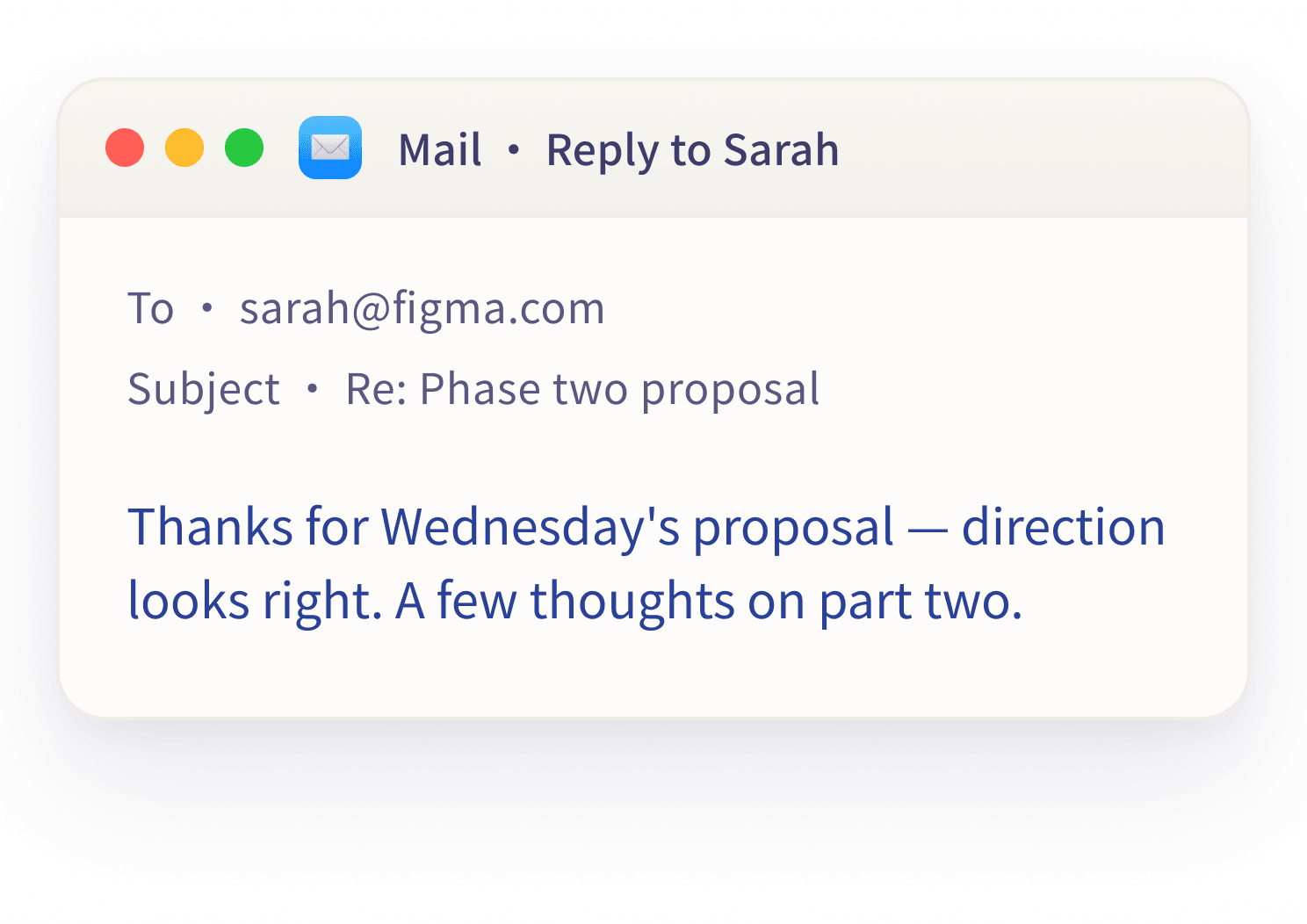
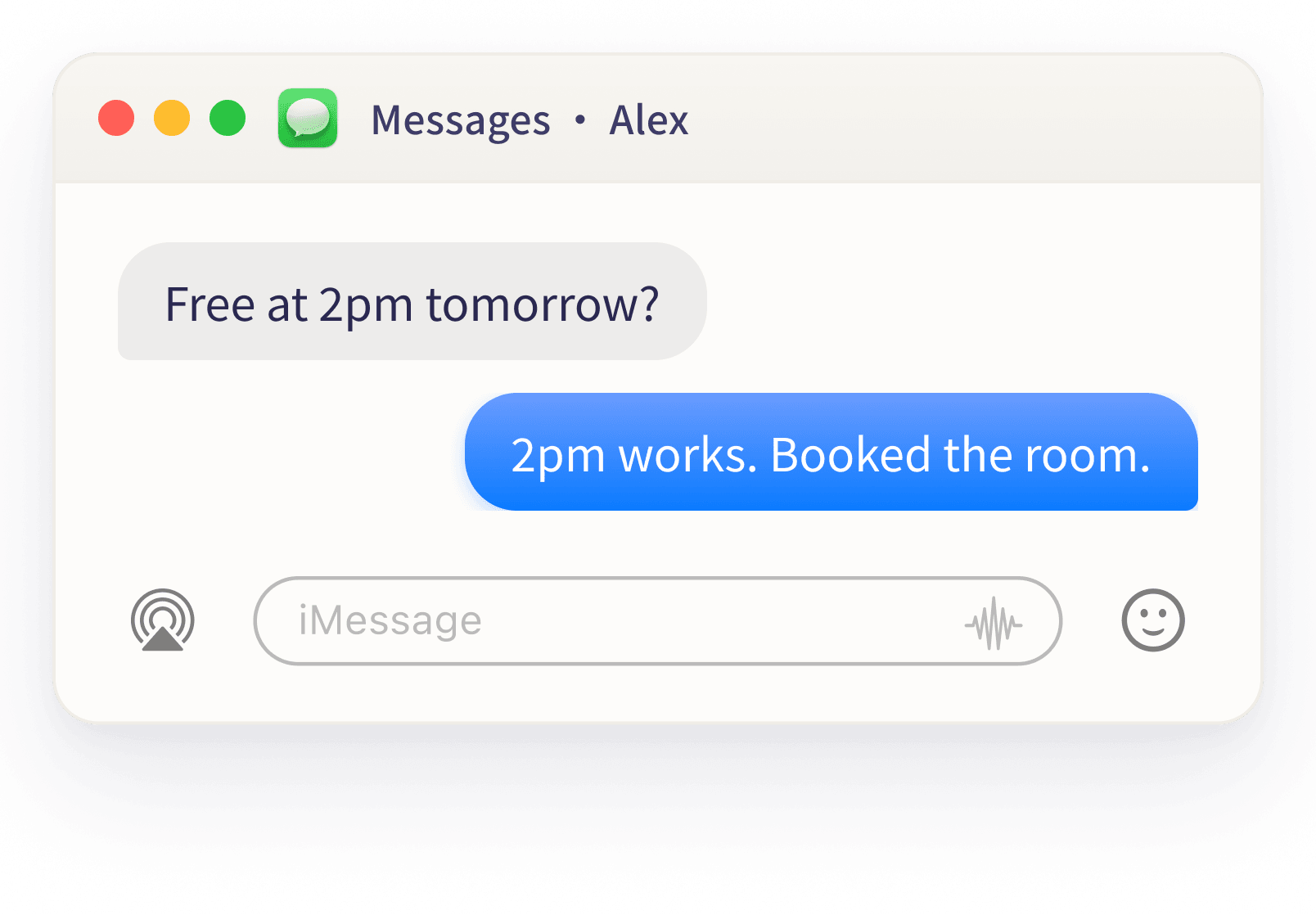
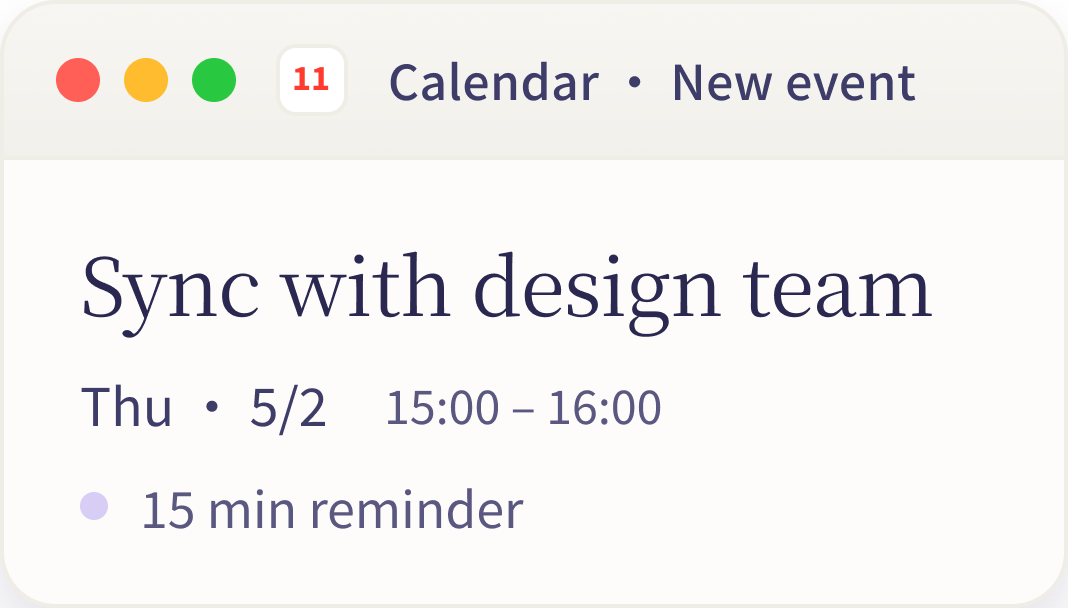
You never have to leave what you are already doing — she is already there.
Viora remembers what you said, the way you like things, and the thread still moving forward. Next time you speak, she already knows what you mean.
An instruction, a thought, a direction still in motion.
Your preferences, your habits, the boundaries you set.
Speak again, and she already knows what you mean.
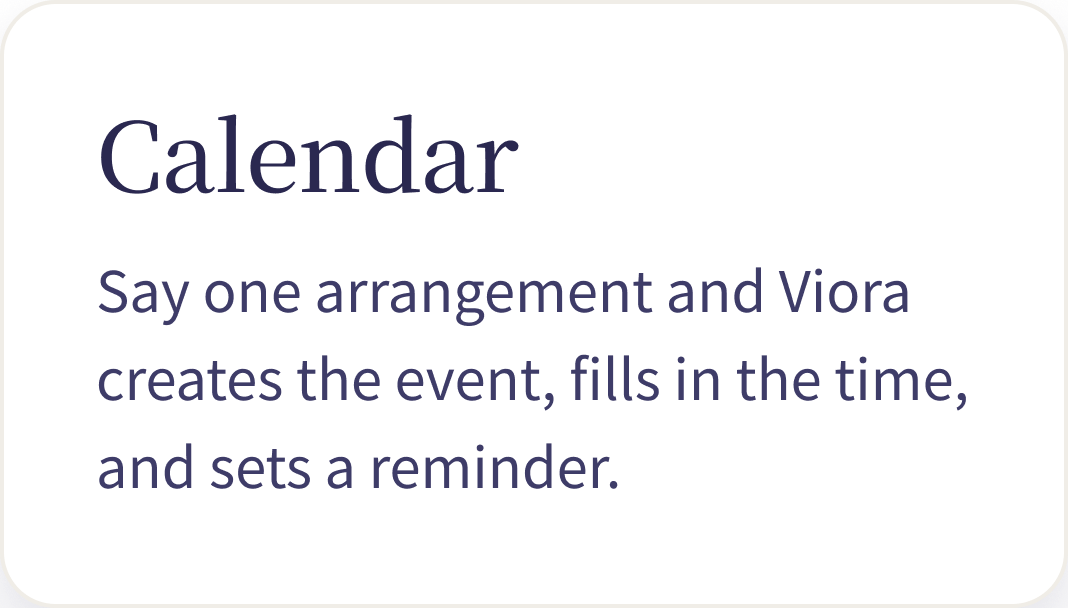
To‑dos, schedule, follow‑ups — visible the moment you wake your Mac.
Whatever you said you'd follow up on, she'll tell you when it's time.
Research to gather, drafts to write — there when you come back.
It remembers everything, but never crosses the line. Viewable. Editable. Deletable.
Data is securely stored in our cloud.

Your voice and text are never used to train any model.
Every memory can be viewed, edited, or deleted in one tap.
FAQ
A few practical details about how Viora works on your Mac, what it can do today, and where your data sits.
If you want the built-in keyboard feature first, read the Mac dictation guide.
Viora is a voice AI assistant for macOS. Hold one shortcut, speak naturally, and it can write into the current app, edit selected text, answer questions about context, or help carry out small tasks.
Viora is designed to work at the Mac layer, so you can use it across browsers, email, docs, chat tools, and other places where you already type.
No. Dictation is the entry point, but Viora can also rewrite selected text, answer questions in context, remember useful details, and route spoken instructions into agent-style actions.
Yes. Viora is built around user-controlled memory, so remembered details can be viewed, edited, or deleted instead of being hidden away.
Viora is focused on macOS today. The desktop app is built for Mac workflows and is available through the download flow on this site.
Let voice become the most natural connection between you and your Mac.