
Integrations
Use voice in the apps you already open.
Viora can type into any Mac text field. Connectors add account actions for Gmail, Slack, Notion, and Google Calendar. Linear and Jira appear in settings, but they are not working agent workflows yet.
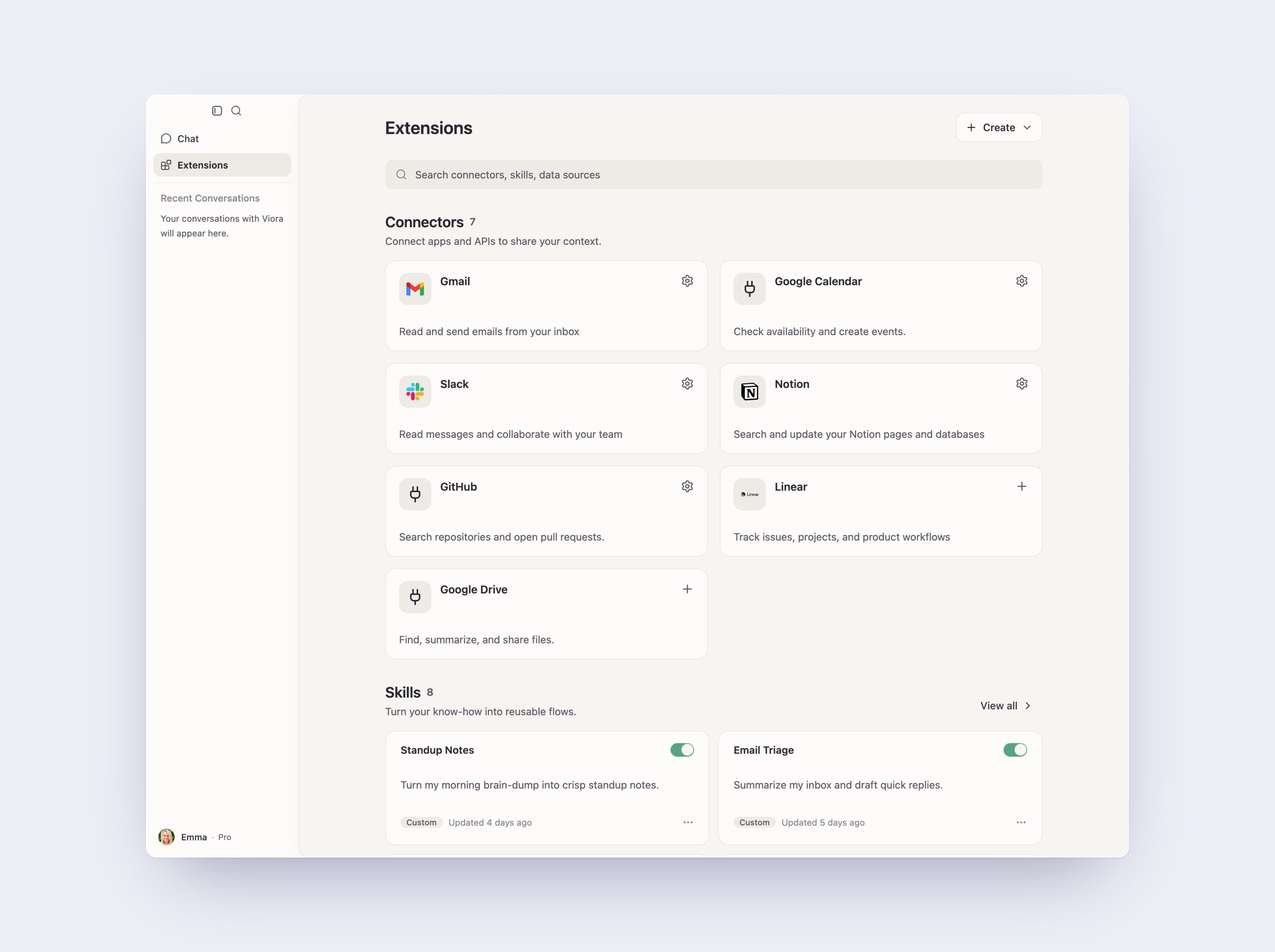
Verified connectors
This list matches what Viora can use in agent workflows today. Dedicated app pages are not published.
Gmail
Dictate into Gmail, draft replies, and confirm before sending, forwarding, or trashing mail.
Available in the app
Slack
Draft messages in Slack with voice. A dedicated Slack page is not published yet.
Available in the app
Notion
Use Notion as a connected workspace for supported agent tasks.
Available in the app
Google Calendar
Look up and create calendar context through the connected Google Calendar account.
Available in the app
Mac apps such as Mail, Messages, Notes, Reminders, and Finder can still receive dictation and context without an account connector.
Connect the app you use most.
Download Viora, then connect Gmail or another supported account from the desktop app.