
Ask in Place for Mac
Ask Viora questions about selected or nearby context without leaving the Mac app where you are working.
By the Viora team - Last updated July 1, 2026.
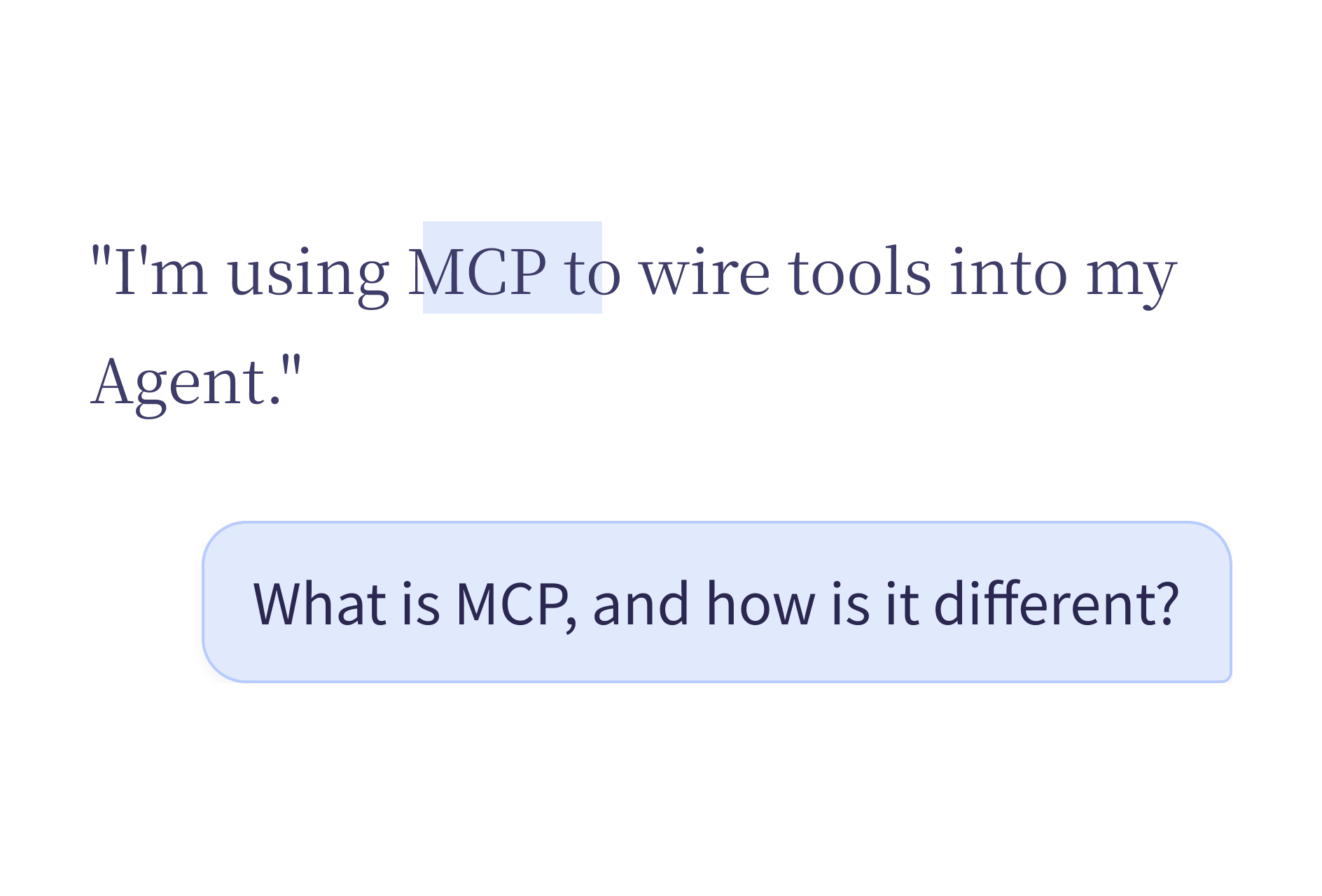
Ask in Place is Viora's context question workflow for Mac. Select text, hold the shortcut, ask a question, and Viora can answer near the content you are already reading or editing.
What Ask in Place does
Ask in Place helps when the next step is understanding, summarizing, or checking the content in front of you. Instead of copying text into a separate chat window, you keep the question close to the source.
To start a question and review the response in the Agent Card, follow the Agent mode instructions.
Use it for:
- Explaining a selected paragraph.
- Summarizing a long note or customer message.
- Finding the key limitation in a product doc.
- Pulling action items from nearby text.
- Checking tone before you rewrite a reply.
Example questions
Here are questions you can ask about selected or nearby content:
| Context | Example question |
|---|---|
| A long email thread | "What are the action items here?" |
| A product spec | "What are the risks in this design?" |
| A code block | "What does this function do?" |
| A customer complaint | "What is the main issue?" |
| A meeting transcript | "Summarize the key decisions." |
| A legal clause | "Explain this in simpler terms." |
You speak the question while the relevant content is selected or visible on screen. Viora reads the context and returns an answer in the Agent Card.
Screenshot questions
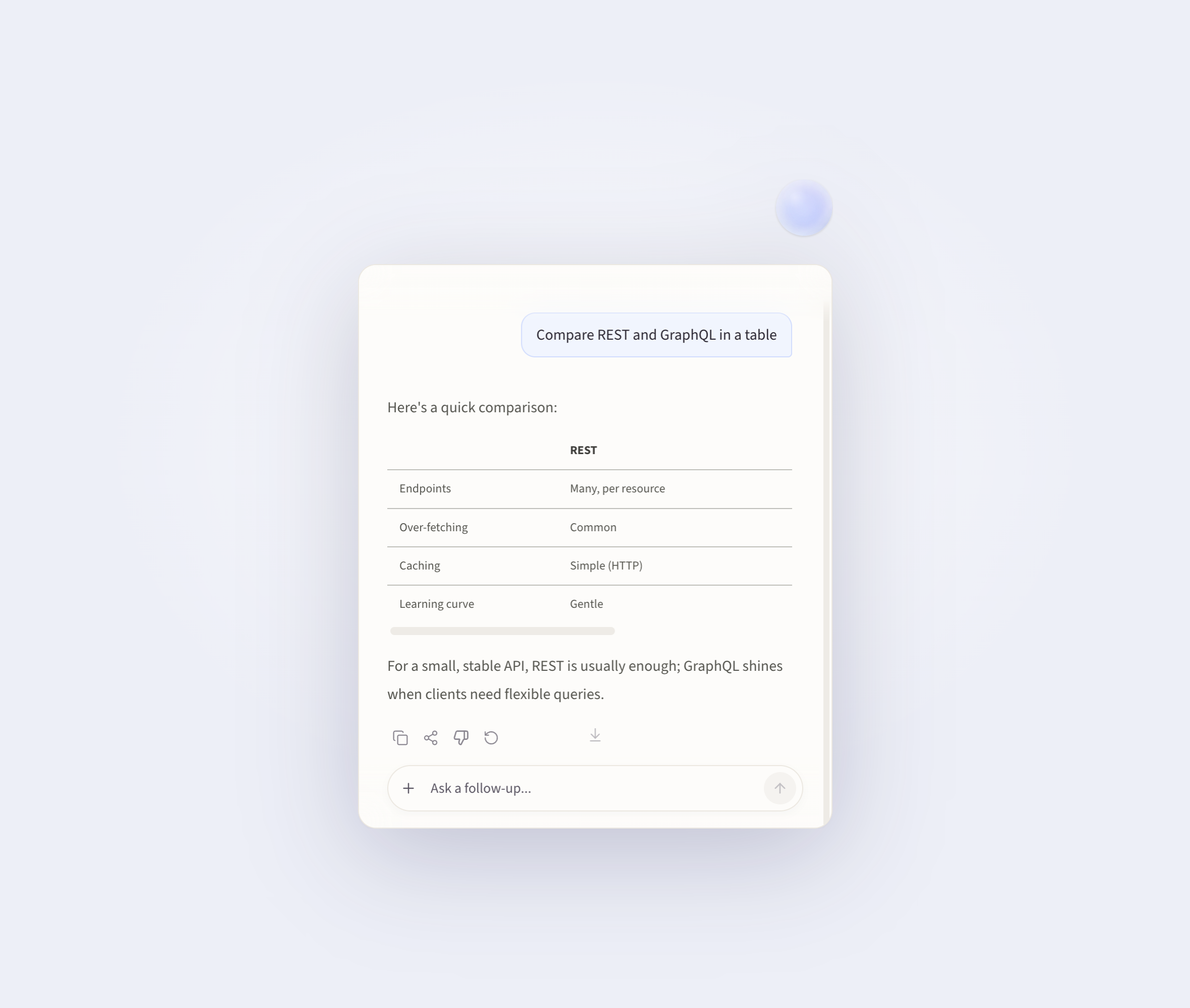
Sometimes the content you want to ask about is not selectable text. It might be an image, a chart, a design mockup, or an element inside another app.
In that case, hold Fn and drag to capture part of the screen. Viora reads the captured area and answers your question about it.
This works for:
- Charts and graphs that you want explained
- Error messages in a UI that you want diagnosed
- Designs or mockups that you want feedback on
- Content inside apps that block text selection
How it fits Viora
Viora is a macOS voice AI assistant built around four workflows: write, edit, ask, and do. Ask in Place is the ask workflow. It complements dictation and selected-text editing, but it solves a different job.
| Workflow | Main job |
|---|---|
| Write | Speak into the current app and insert polished text |
| Edit | Select text and rewrite it by voice |
| Ask | Ask about selected or nearby context |
| Do | Run supported small agent tasks |
Viora uses the same shortcut for all four workflows. It decides which one to use based on the current context: whether text is selected, whether the request sounds like a question, and whether an agent action is needed.
Privacy and limits
Viora is cloud-assisted. It should not be described as fully offline or local-only. Viora's privacy materials say desktop task content may be processed through Viora backend systems when large-model processing is needed.
Ask in Place is also not a guarantee that every Mac app behaves the same way. App permissions, focused text areas, and product version can affect the exact workflow. Always review answers before using them.
FAQ
What is Ask in Place?
Ask in Place is Viora's context question workflow. You select text or stay near the relevant content, speak a question, and review an answer near the current Mac workflow.
Is Ask in Place the same as dictation?
No. Dictation turns speech into text. Ask in Place answers questions about selected or nearby context.
Is Ask in Place fully offline?
No. Viora is cloud-assisted, not fully offline or local-only.
Can Ask in Place read images or non-text content?
If you cannot select the content as text, hold the shortcut and drag to capture that part of the screen. Viora can then answer questions about the captured area.
Try Ask in Place
Ask in Place is a good fit when you already work on a Mac and want voice to help explain, summarize, or check nearby context. To evaluate it, install Viora, try it with a low-risk note or draft, and confirm the current plan before making it part of a regular workflow.
Related reading
- Voice Agent for Mac — the full voice workflow including write, edit, ask, and do
- Voice Dictation for macOS — how Viora turns speech into polished text
- Mac dictation: the complete guide — built-in macOS dictation, third-party tools, and Viora compared
- What is Viora — a plain-language overview of the product
- Use cases for Viora
Keep exploring Viora features
Each feature page focuses on one workflow. Move across the set to understand how writing, editing, asking, agent work, and memory connect.
Plan the next step
Use these pages when you need examples, plan boundaries, or the broader resource hub before deciding how to use Viora.