
2026/06/19
What Is Viora? Mac Voice AI Assistant Definition
What is Viora? Viora is a cloud-assisted voice AI assistant for macOS that helps you write, edit, ask, and run small agent tasks from one shortcut.
What is Viora? Viora is a cloud-assisted voice AI assistant for macOS that helps you write, edit, ask, and run small agent tasks from one shortcut.
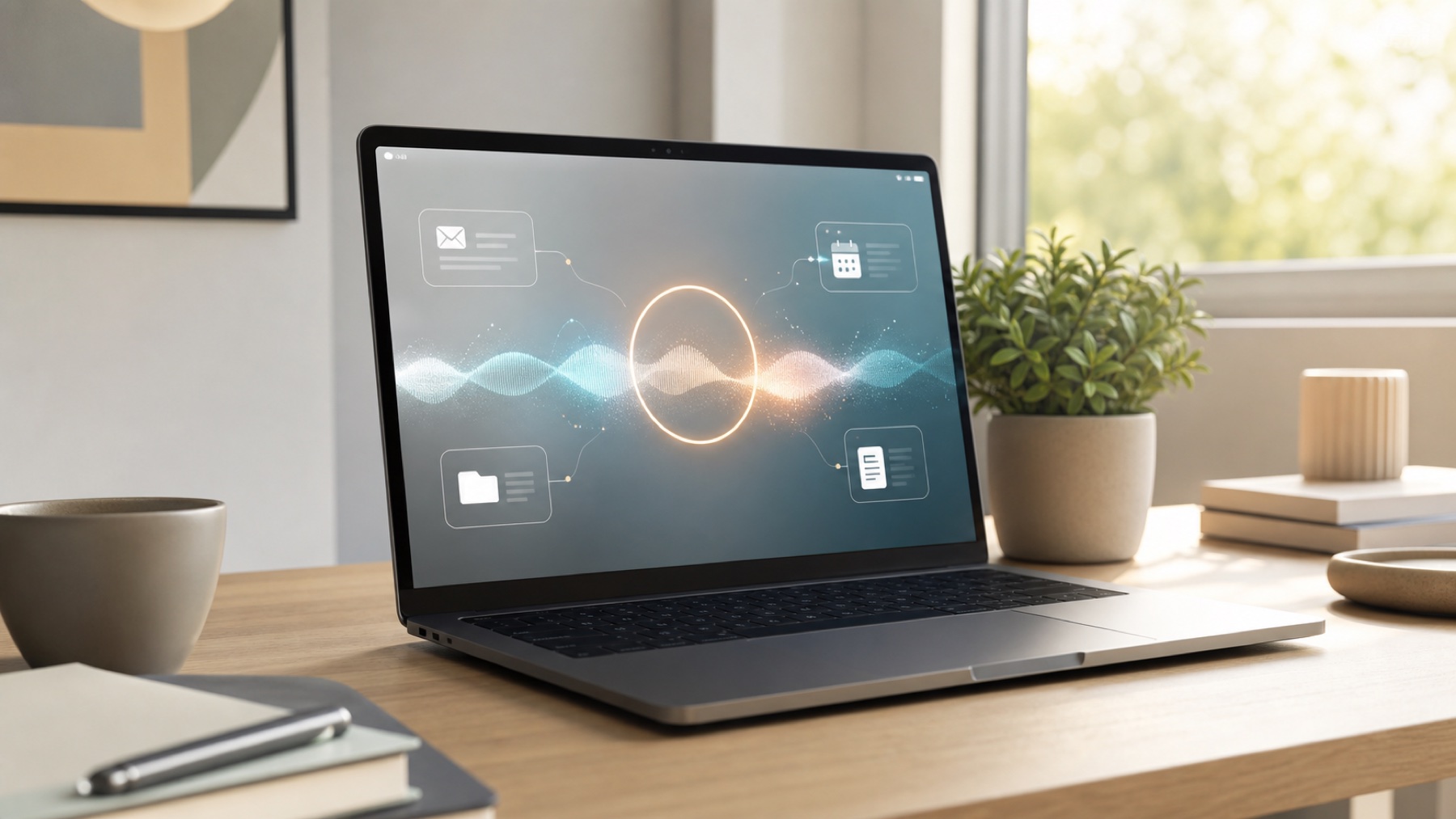
Viora is a personal AI assistant for Mac that brings the Her movie's Samantha to life. Voice input, file management, email handling, research, and more.

Best voice AI assistant for Mac: the selection criteria that matter, where Viora fits, where it does not, and how voice AI differs from basic Mac dictation.

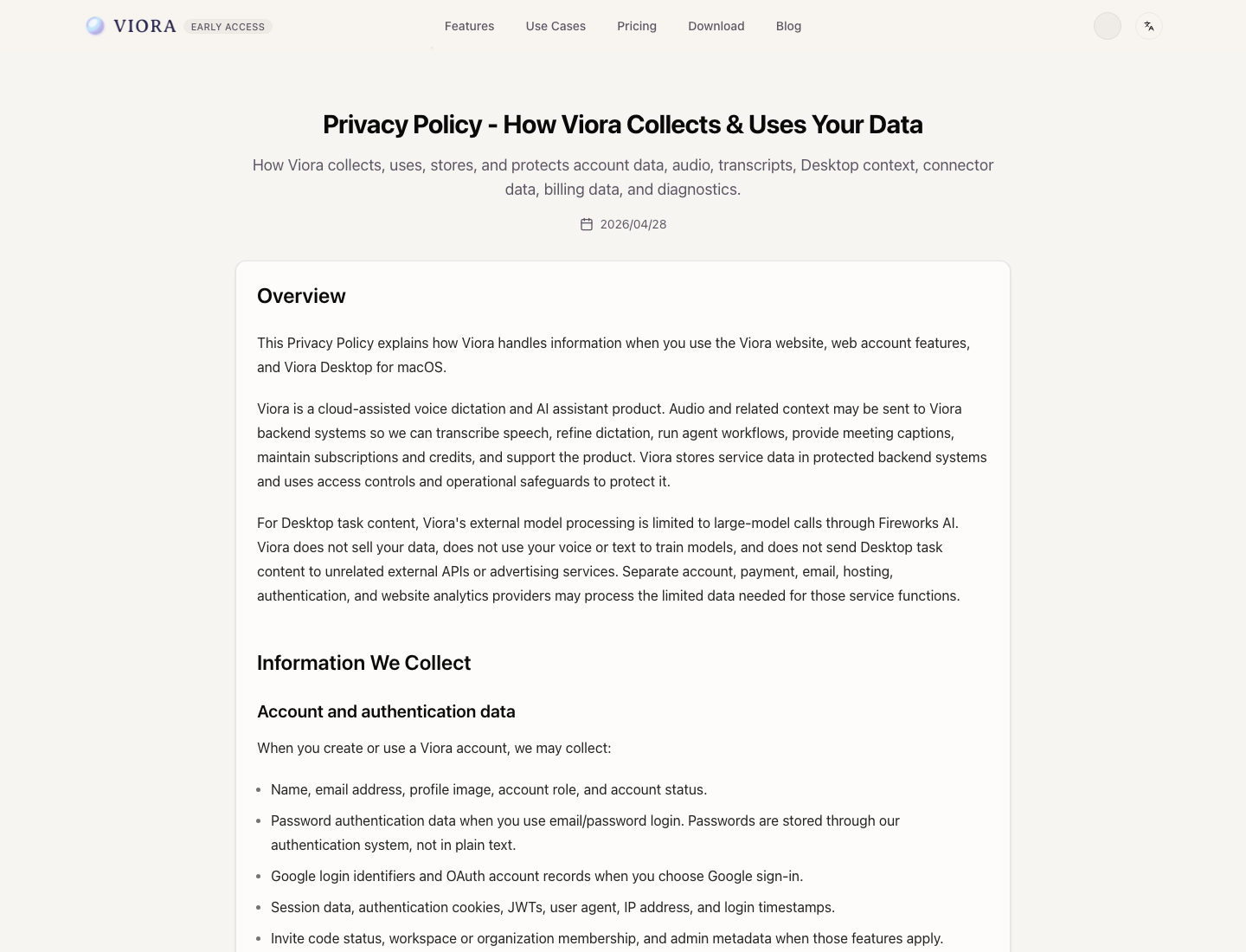
Is Viora offline? No. Viora is cloud-assisted, not local-only. Learn what Privacy Mode changes, what Viora cannot promise, and who should use it.
By the Viora team - Updated June 19, 2026.
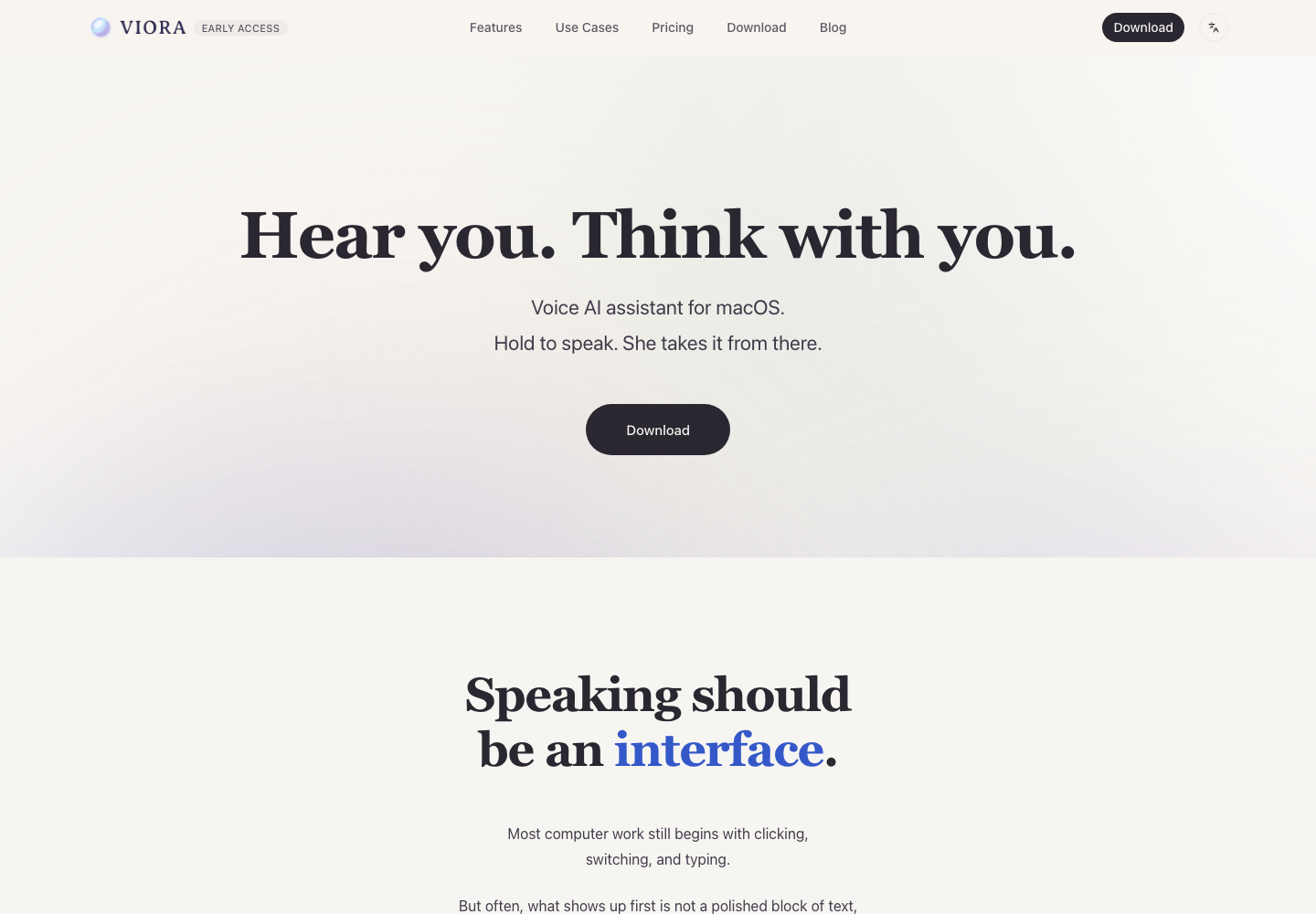
Viora is a cloud-assisted voice AI assistant for macOS that lets you hold a shortcut and speak to write polished text in the current app, edit selected text, ask about on-screen context, or run small supported agent tasks.
If you searched for "viora", "viora ai", or "viora app download", this page is the short canonical explanation: Viora is the Mac app at viora.io, not a Windows, mobile, offline-only, or medical-compliance product.
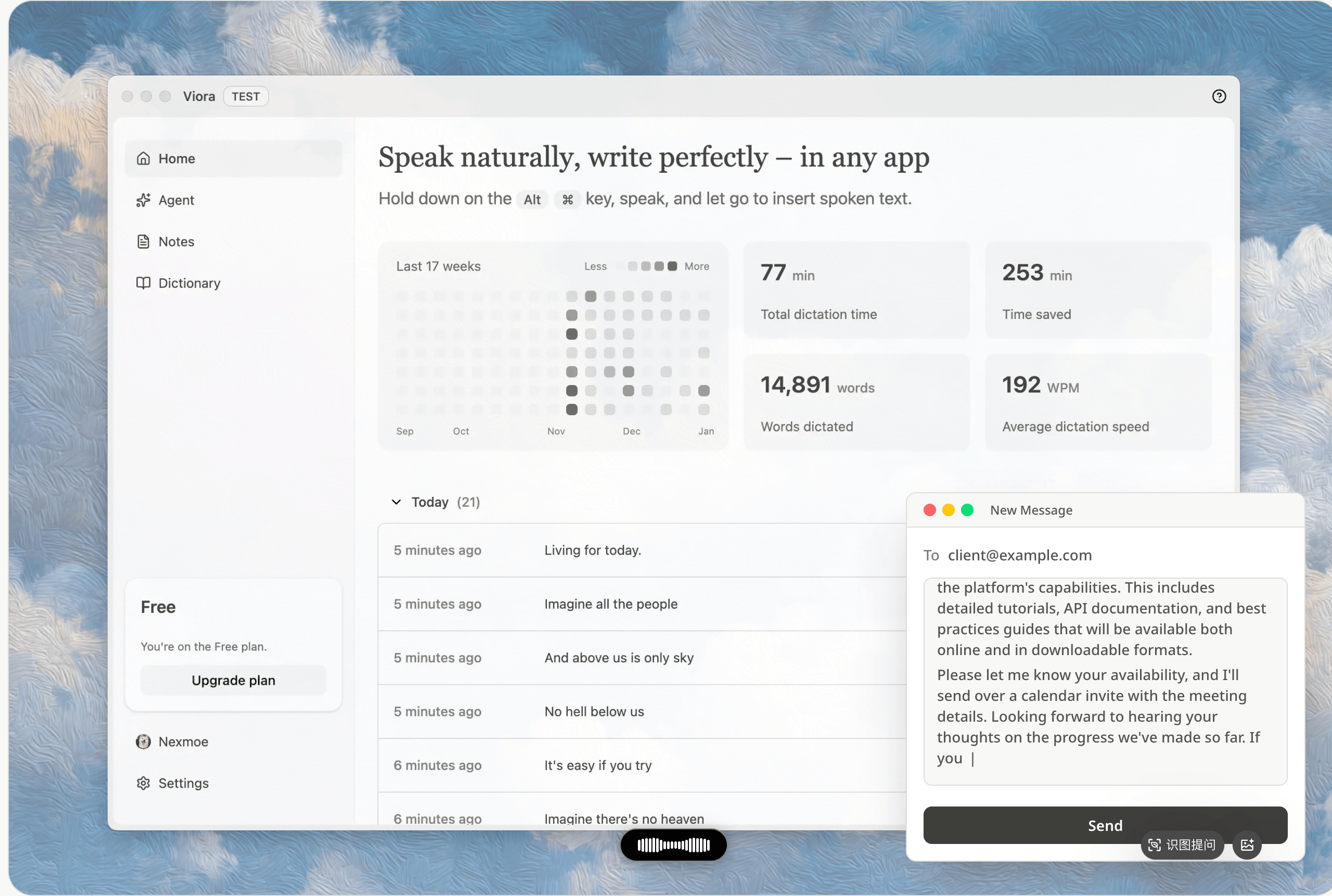
Viora is positioned around one Mac voice loop: write, edit, ask, and do.
Viora is a Mac-first voice interface for everyday computer work. Instead of opening a separate transcript window, you hold a shortcut, speak naturally, and Viora can put cleaned-up text into the app where your cursor already is.
The product also goes beyond basic dictation. Depending on the task and available context, Viora can help with four broad jobs:
| Job | What it means in Viora |
|---|---|
| Write | Dictate polished text into the current Mac app or text field. |
| Edit | Select text and give a spoken rewrite instruction. |
| Ask | Ask about selected, nearby, or screenshot-captured context. |
| Do | Route a supported spoken request into a small agent task, such as search, calendar lookup, or connector workflow. |
For the dictation-specific workflow, see Voice Dictation for macOS. For the broader category difference, see Voice AI assistant vs dictation software.
Viora is a good fit if you work mainly on a Mac and want speech to create usable output, not just raw transcripts.
It is especially relevant for:
For role-specific examples, read Viora use cases.
Viora is not the right choice for every voice workflow.
Choose another tool if any of these are hard requirements:
| Requirement | Why Viora may not fit today |
|---|---|
| Offline-only or local-only transcription | Viora is cloud-assisted. |
| Windows, iOS, or Android support | Viora publicly ships for macOS today. |
| HIPAA-required workflows | Viora does not publish a HIPAA compliance claim today. |
| Local Whisper model selection | Viora does not list local Whisper model support today. |
| Bring-your-own LLM keys | Viora does not list BYO LLM key support today. |
| Team admin or enterprise controls | Current public Free and Pro plan copy is individual-focused. |
If offline transcription or local model control matters more than agent workflows, compare Viora vs Superwhisper. If cross-platform voice input matters more, compare Viora vs Wispr Flow. If you are choosing between two Mac voice agents, compare Viora vs VoiceOS.
Viora is built for macOS. The public download page lists installers for Apple Silicon and Intel Macs, and the product pages describe a global hold-to-talk workflow designed for the current Mac app.
Download Viora for Mac if you want the current installer and release channel.
Viora should be described as cloud-assisted, not offline, local-only, or on-device only.
The practical boundary is:
For current details, read the Viora Privacy Policy and Viora Terms of Service.
To try Viora, start with the download page. It is the canonical place for Mac installers and release information.
To evaluate plan limits and paid access, use Viora pricing. The public pricing page is the source to check before you rely on any current plan detail.
Viora is a cloud-assisted voice AI assistant for macOS. It lets Mac users hold a shortcut and speak to write into the current app, edit selected text, ask about nearby context, or run small supported agent tasks.
Partly. Viora includes Mac dictation, but the broader category is voice AI assistant for macOS because it can also help with edits, contextual answers, and small agent workflows.
Yes. Viora publicly lists macOS downloads for Apple Silicon and Intel Macs. Windows, iOS, and Android apps are not listed as public shipping targets today.
No. Viora should be described as cloud-assisted. Its privacy materials say audio, text, and relevant context may be processed through Viora backend systems and model providers when needed.
Viora is best for Mac users who want voice to do more than short speech-to-text: writing, rewriting, support replies, product notes, code review notes, contextual questions, and supported connector workflows.
Viora is not the right fit when offline-only processing, Windows or mobile support, HIPAA-required workflows, a public API, local Whisper models, or bring-your-own LLM keys are hard requirements today.