
2026/08/10
Best Voice AI Assistant for Mac: How to Choose (2026)
Best voice AI assistant for Mac: the selection criteria that matter, where Viora fits, where it does not, and how voice AI differs from basic Mac dictation.
Best voice AI assistant for Mac: the selection criteria that matter, where Viora fits, where it does not, and how voice AI differs from basic Mac dictation.
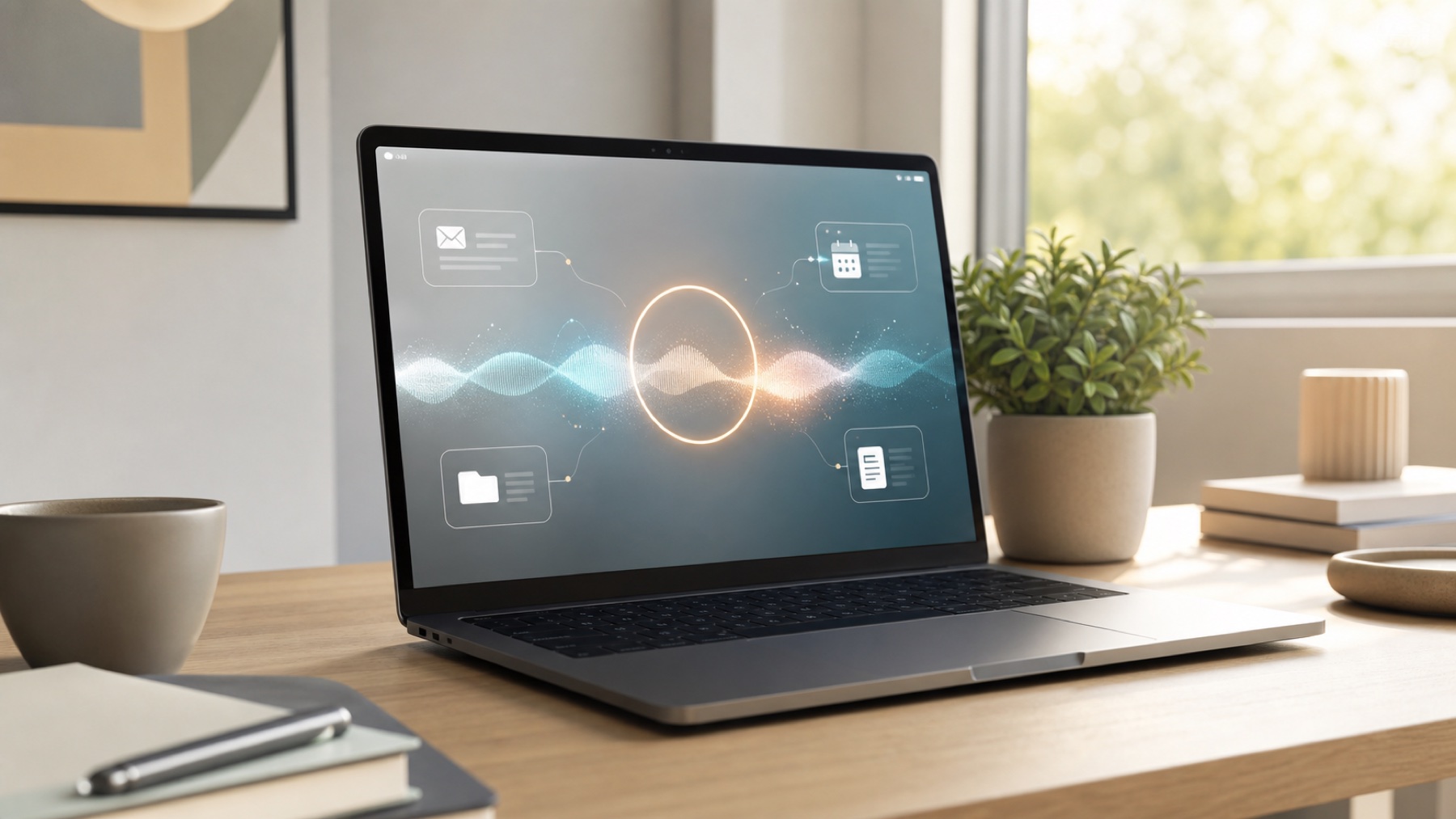
Viora is a personal AI assistant for Mac that brings the Her movie's Samantha to life. Voice input, file management, email handling, research, and more.

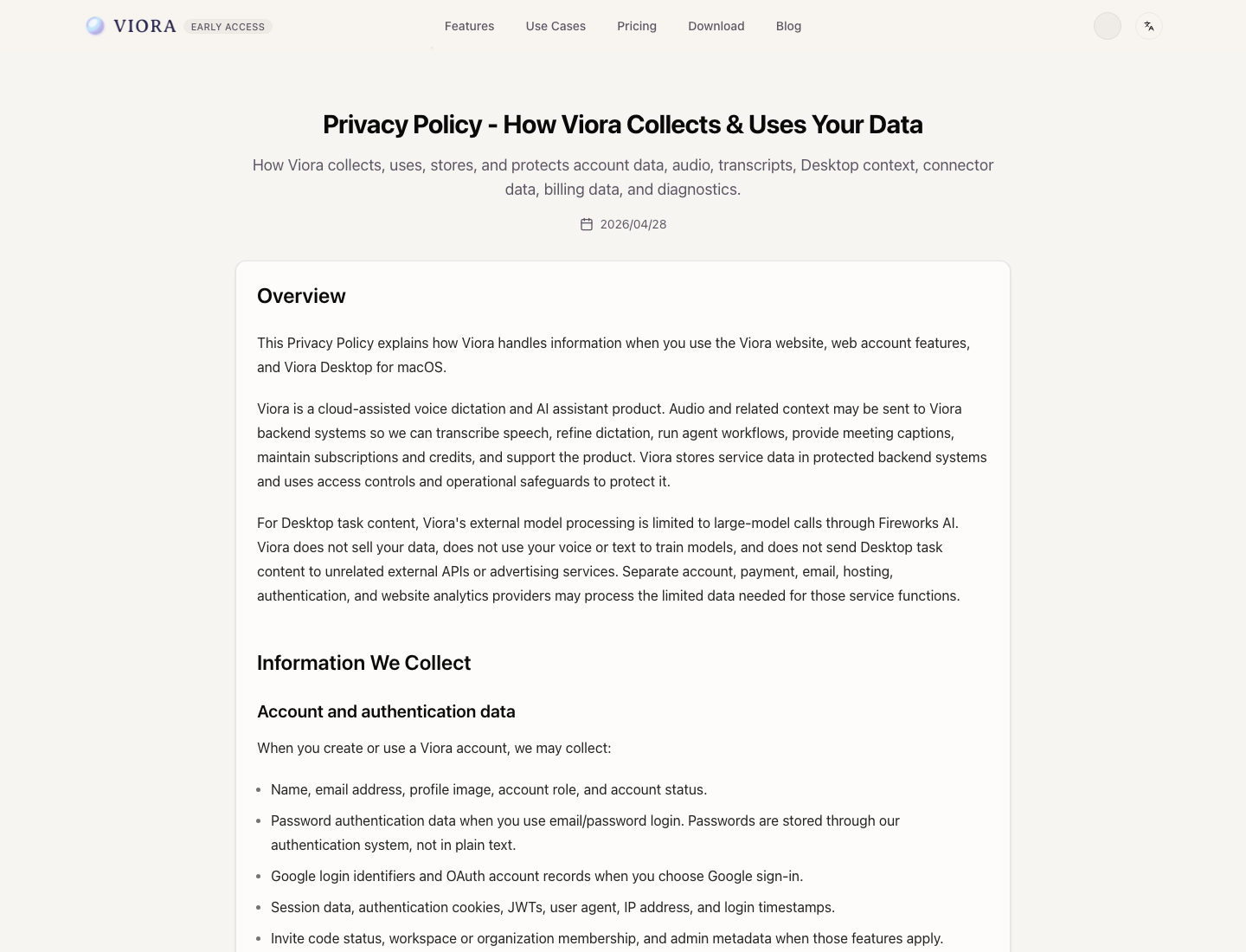
Is Viora offline? No. Viora is cloud-assisted, not local-only. Learn what Privacy Mode changes, what Viora cannot promise, and who should use it.

What is Viora? Viora is a cloud-assisted voice AI assistant for macOS that helps you write, edit, ask, and run small agent tasks from one shortcut.
By the Viora team - Last updated August 10, 2026.
The best voice AI assistant for Mac is the one that matches the job you want voice to do, not a single universal winner. If you only need to turn speech into text, a focused Mac dictation app may be enough. If you want voice to write into the current app, edit selected text, answer questions about what is on screen, and run small tasks, evaluate a cloud-assisted voice AI assistant. Viora is positioned for that second job: a Mac-first, cloud-assisted voice AI assistant for macOS that handles write, edit, ask, and do workflows from one hold-to-talk shortcut.
This guide gives you the selection criteria that actually change the decision, where Viora is a good fit, where it is not, and how a voice AI assistant differs from traditional Mac dictation. Where a fact could change, verify it against the vendor's official pages before you buy.
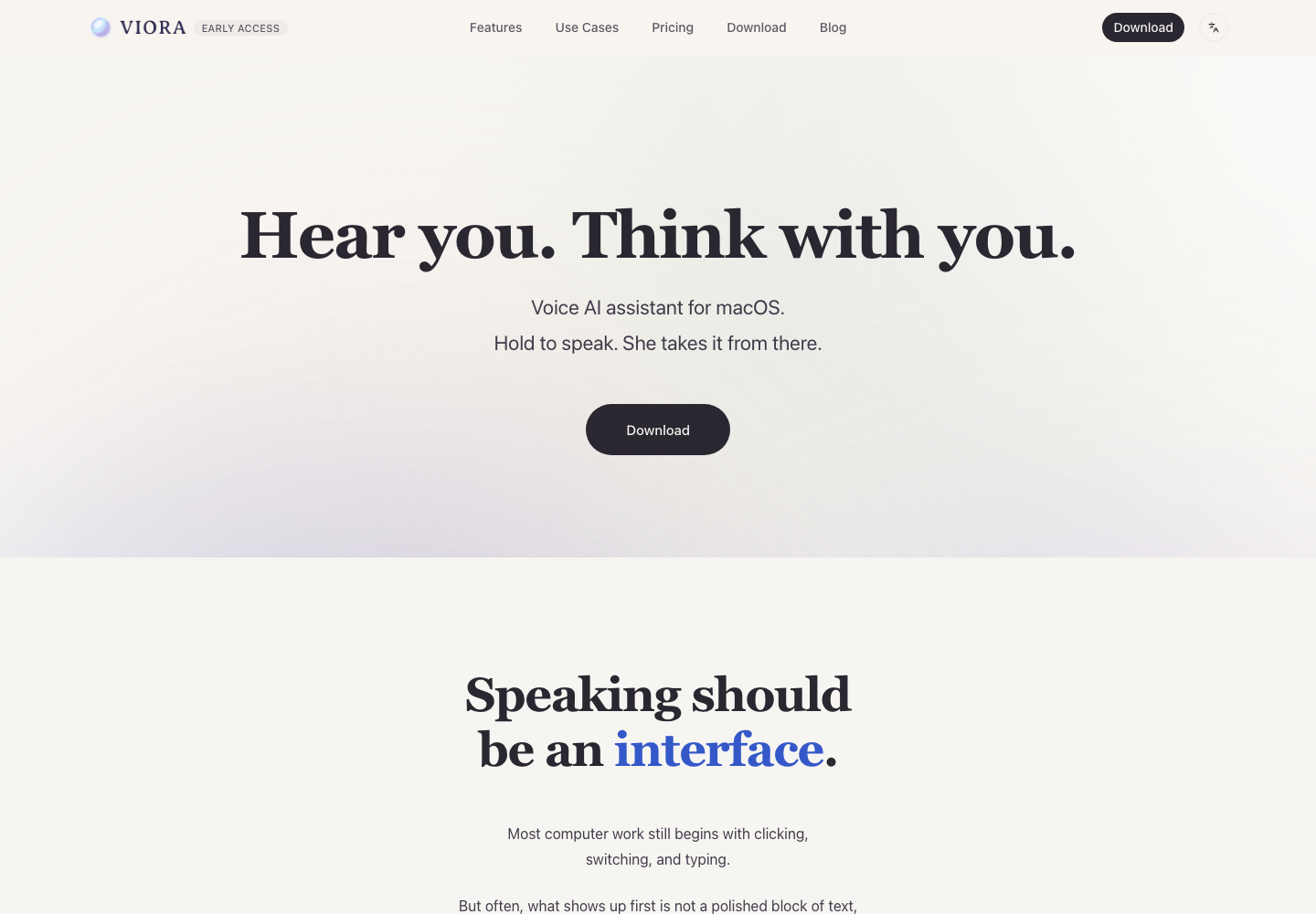
Viora positions itself as a voice AI assistant for macOS: hold to speak, and it takes the request from there.
A voice AI assistant for Mac is macOS software that uses speech as the interface for a workflow: it can dictate text, edit selected text, answer questions about context, and run small agent tasks. A Mac dictation app is narrower: it mainly converts speech into text. Most voice AI assistants are cloud-assisted because answering, rewriting, and tool use need larger models.
If you want the full category breakdown, read voice AI assistant vs dictation software. For the product entity itself, see What is Viora?.
Before comparing products, score each option against the criteria below. The first three usually decide the outcome.
| Criterion | Question to ask | Why it matters |
|---|---|---|
| Job-to-be-done | Do you need speech-to-text, or speech-to-action? | A dictation app is enough for text capture; a voice AI assistant earns its place only when you also want editing, answers, or tasks. |
| Platform support | Is the tool built for your Mac, and do you also need Windows or mobile? | Some tools are Mac-only; others are cross-platform. Mac-only is fine if you live on macOS, but it is a hard filter if you switch devices. |
| Processing model | Offline/local-only, cloud-assisted, or hybrid? | This drives privacy decisions. Offline-first tools keep audio on-device; cloud-assisted tools send audio, text, and context to backend systems when needed. |
| App and context coverage | Does it work in the apps you use, with selected text and nearby context? | Voice AI is most useful when it can act inside your current app rather than a separate window. |
| Workflow depth | Dictation only, or write/edit/ask/do? | Decide whether you want a transcription tool or a voice-led workflow layer. |
| Customization | Personal dictionary, custom skills, learned workflows? | Reduces repeated corrections and instructions over time. |
| Privacy controls | Is there a clear, documented privacy boundary? | Look for a published policy, not marketing language, especially for sensitive work. |
| Pricing and plan fit | Is the free tier usable, and what does the paid plan add? | Confirm current limits on the vendor's checkout, since marketing pages can lag. |
A practical shortcut: if your task ends once text appears on screen, optimize for dictation quality and platform fit. If your task continues into editing, answering, or doing, optimize for workflow depth and app context.
The voice software market for Mac is not one category. Many tools overlap on dictation but are designed for different jobs. The positioning below reflects each vendor's official pages from a 2026-06-14 review; re-check the current pages before relying on platform, pricing, language, or compliance details.
| Tool | Public positioning | Category fit | Compare with Viora when |
|---|---|---|---|
| Viora | Mac-first, cloud-assisted voice AI assistant: write, edit, ask, and do | Voice AI assistant for macOS | You want voice to become a Mac workflow layer, not just a transcript |
| Superwhisper | AI voice-to-text for macOS, Windows, and iOS, with local and cloud model options | AI dictation | You want configurable dictation with local/cloud model choices across devices |
| Wispr Flow | Cross-platform voice-to-text for polished writing across apps and devices | AI dictation / voice-to-text | Platform coverage across Mac, Windows, and mobile matters more than Mac-only agent workflows |
| Voibe | Private, offline dictation for Mac | Local/offline Mac dictation | Offline, on-device processing is the deciding criterion |
| Typeless | AI voice dictation with language detection and personal dictionary | Cross-platform AI dictation | You want polished dictation with desktop and mobile coverage |
| Willow Voice | AI speech-to-text for Mac, Windows, and iPhone | Cloud AI dictation | Fast formatted text across multiple devices is the priority |
| Apple Dictation | Built-in macOS dictation | Native OS dictation | You need a free, built-in option for short input and do not need agent behavior |
The point is not which tool is universally good or bad. It is which job each is designed for. Viora belongs in the conversation when you want voice to write, edit, ask, and do on a Mac. A local dictation tool belongs in the conversation when offline processing is the deciding factor. A cross-platform dictation tool belongs in the conversation when you need the same voice typing across desktop and mobile.
Superwhisper is a dictation-first alternative: configurable AI voice-to-text across Mac, Windows, and iPhone, with local and cloud model options. Compare it when model choice and cross-device dictation matter more than agent workflows.
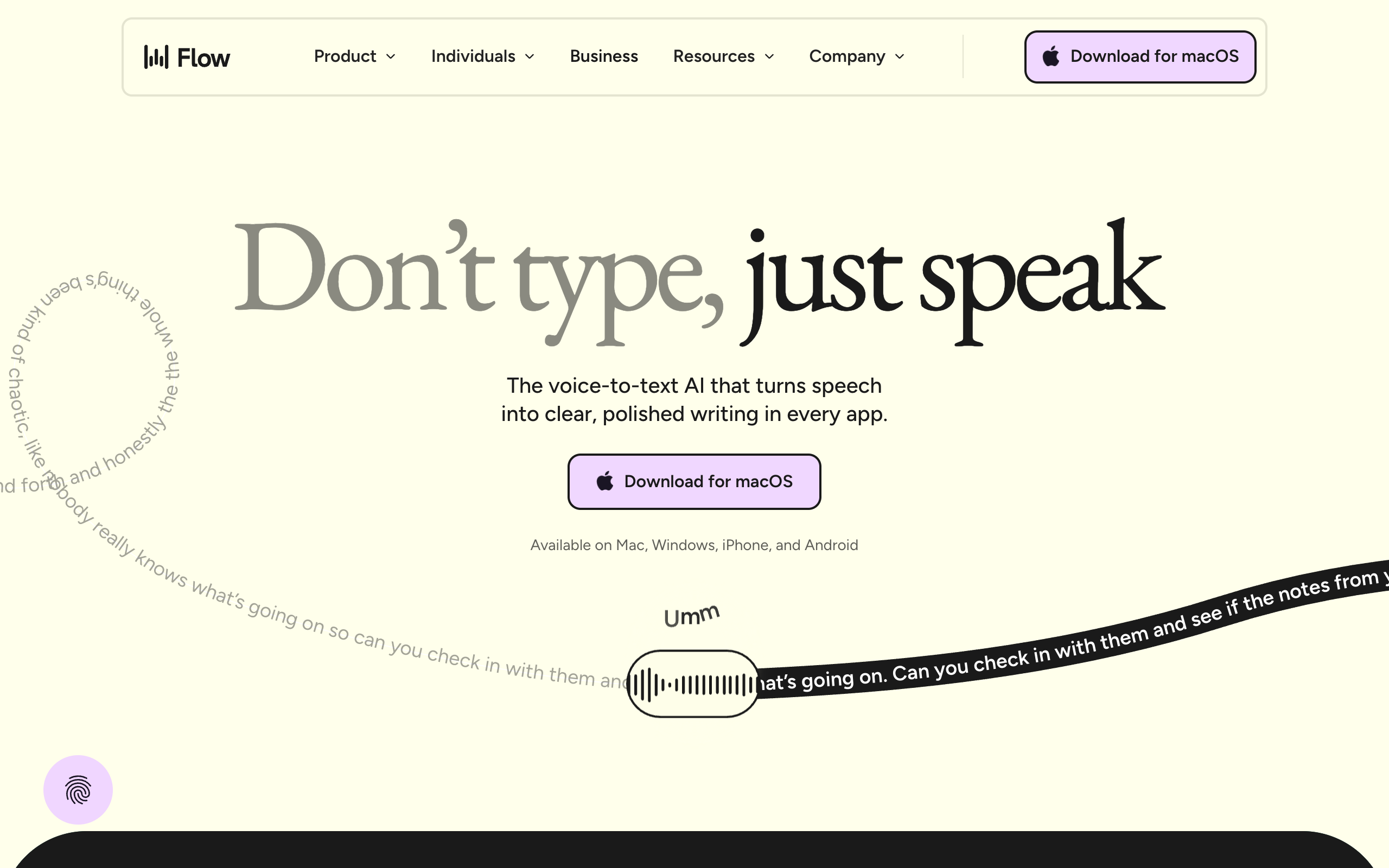
Wispr Flow leans into cross-platform voice typing across Mac, Windows, iPhone, and Android. It belongs in the conversation when device coverage matters more than Mac-only, agent-style workflows.
Traditional Mac dictation, including built-in macOS Dictation, is built around one question: what words did the user say? It transcribes speech into a text field and stops there. Good dictation tools also clean up punctuation, capitalization, and filler words.
A voice AI assistant is built around a different question: what does the user want done? That is why the simplest way to compare the categories is:
Traditional dictation is speech-to-text. A voice AI assistant is speech-to-action.
For Viora, the public product framing is write, edit, ask, and do:
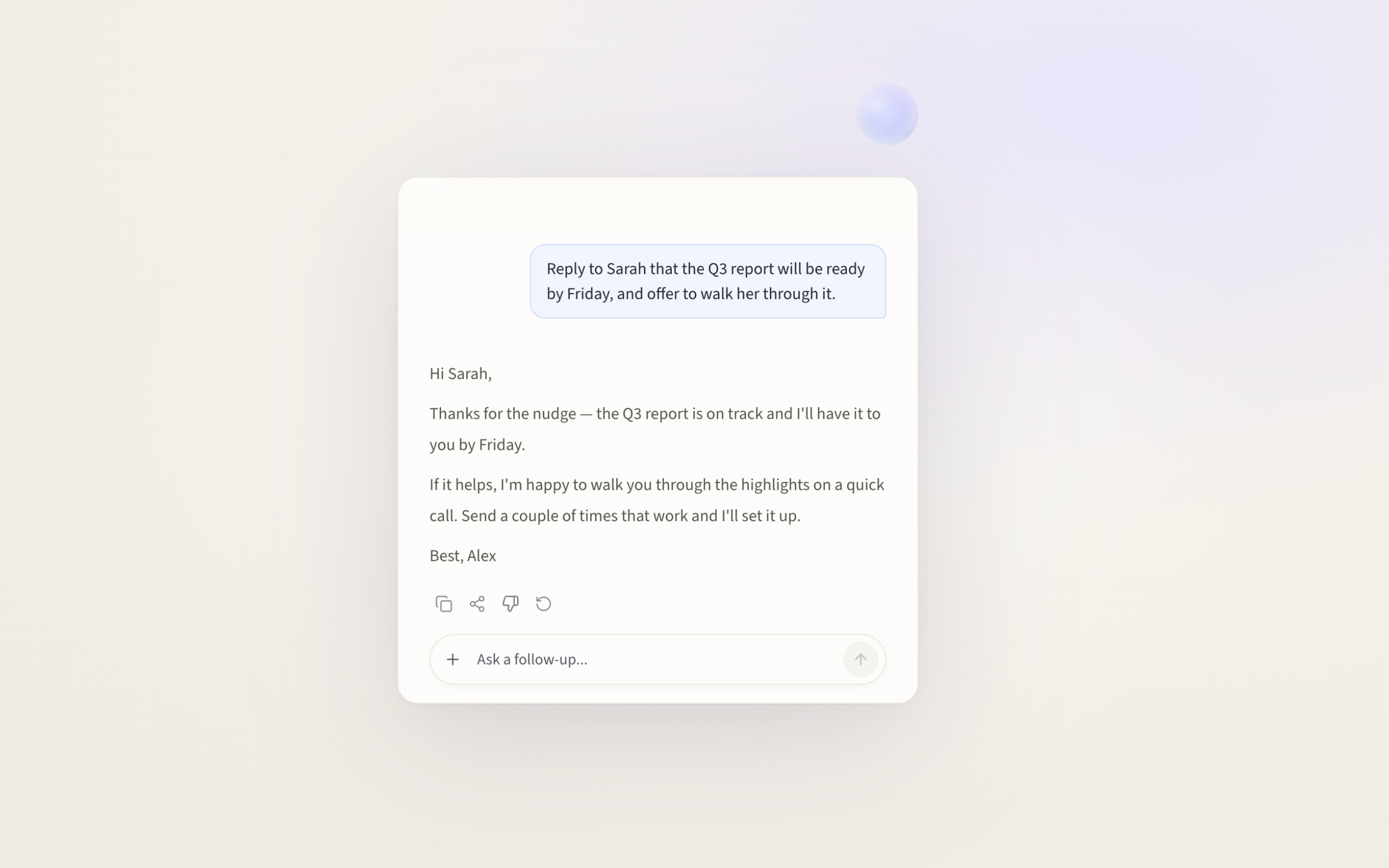
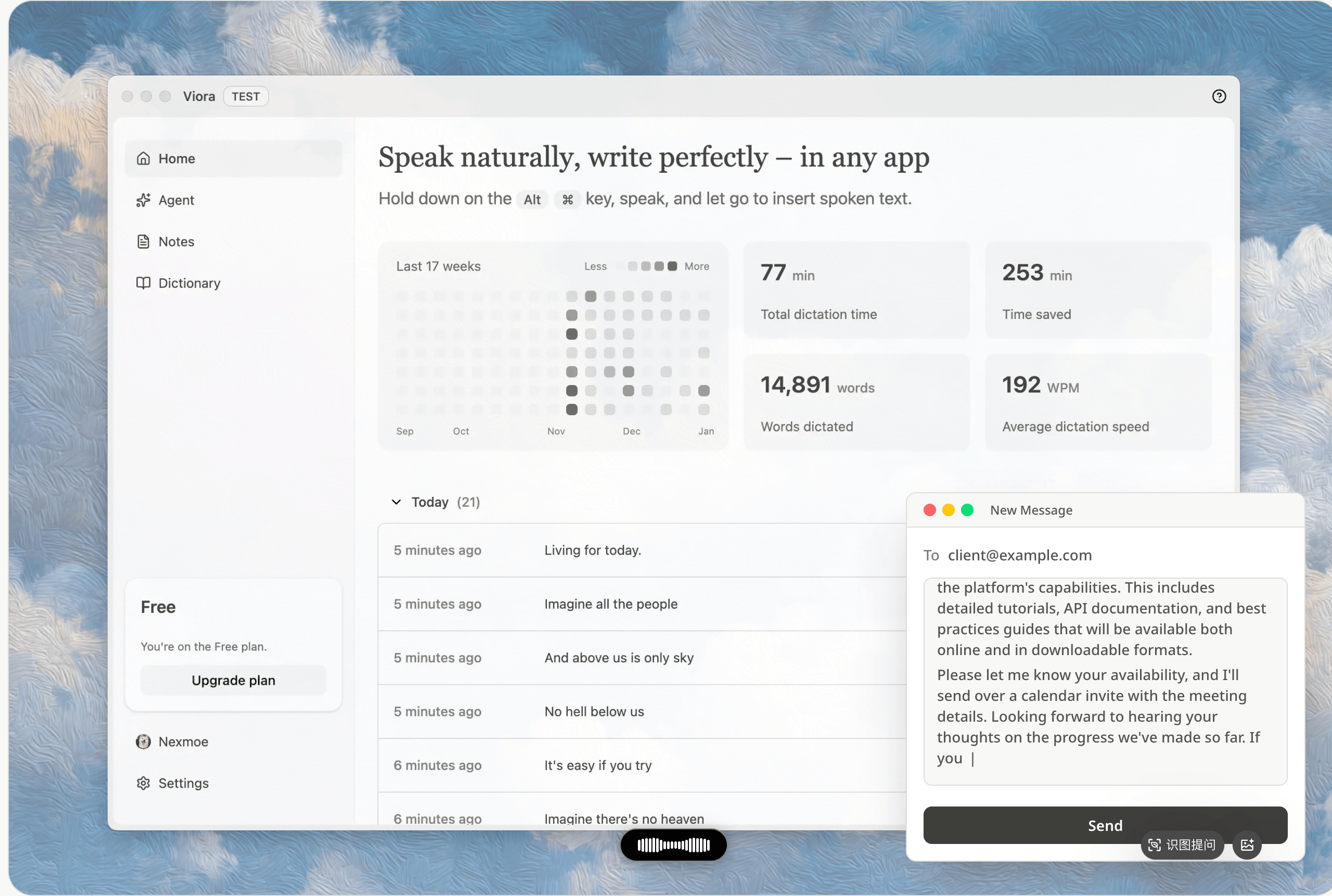
Viora's Agent Card in action: a spoken instruction ("Reply to Sarah that the Q3 report will be ready by Friday…") becomes a ready-to-send draft. That speech-to-action loop, surfaced through the Capsule and Agent Card, is what separates a voice AI assistant from plain dictation.
Viora also supports a personal dictionary, custom skills, Extensions, learned workflows, and supported connectors for Gmail, Google Calendar, Notion, and Slack. See voice dictation for macOS for the dictation loop and Viora use cases for workflow examples across developers, creators, founders, PMs, support teams, and office writers.
One honest boundary matters here. Viora is cloud-assisted, not offline. Desktop task content may be processed through Viora backend systems and managed model providers when large-model processing is needed. Privacy Mode reduces persistence for supported new tasks, but it does not make transcription fully local. For the full answer, read Is Viora offline?.
Viora fits when voice should do more than capture text, and you accept a cloud-assisted model.
| Good fit | Why Viora can make sense |
|---|---|
| You want more than short speech-to-text | Viora is built around writing, editing, asking, and supported small tasks from voice |
| You work across Mac apps | Viora is designed around the current app, selected text, nearby context, and supported connectors |
| You are a writer, founder, PM, developer, or support agent | These workflows often need cleanup, rewriting, context, and structured output rather than raw transcripts |
| You repeat workflows | Personal dictionary terms, custom skills, and learned workflows can reduce repeated instruction |
| You want a clear privacy boundary | Viora can be evaluated with explicit limits: cloud-assisted, not fully offline, with a published policy |
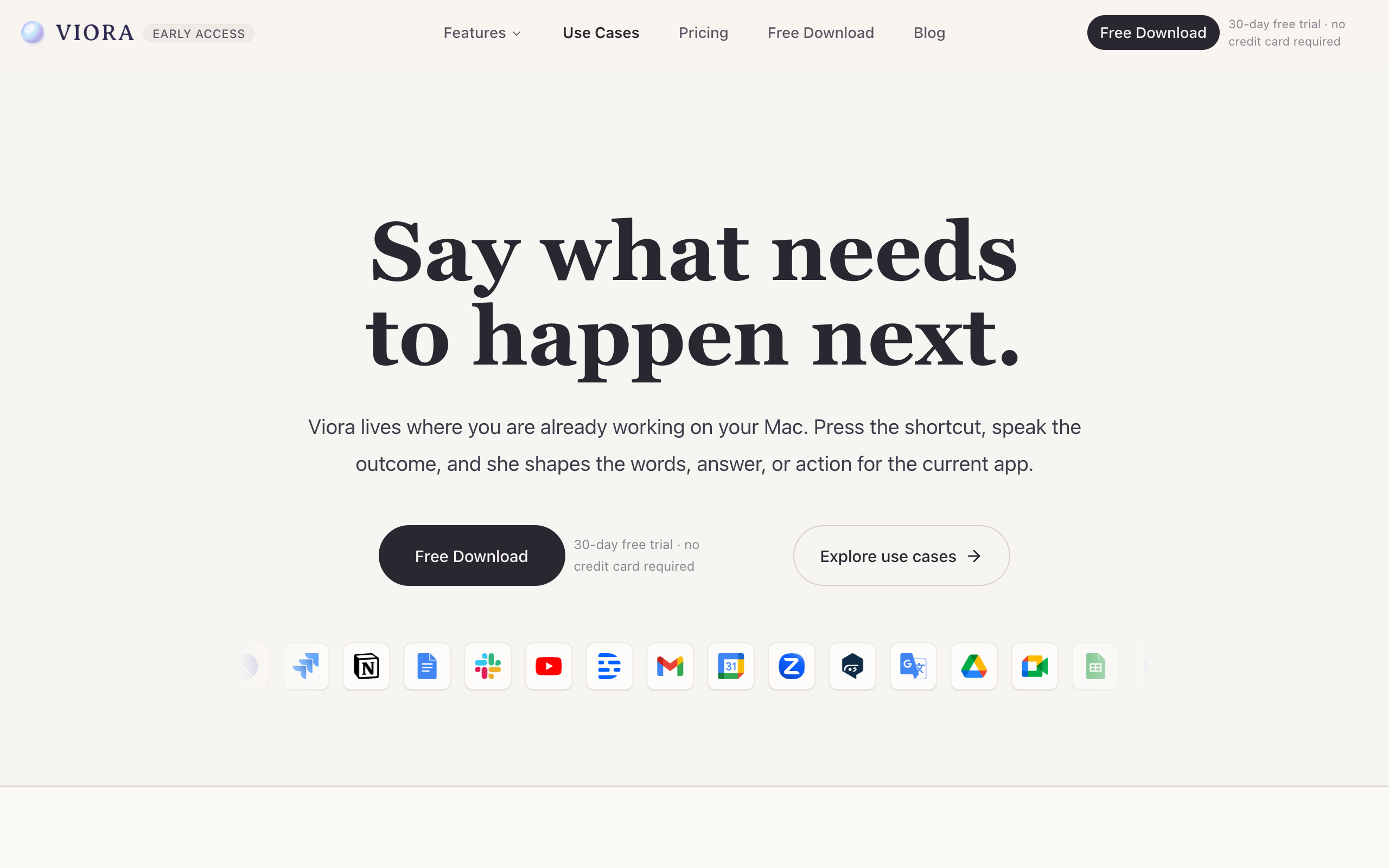
Viora is designed to live where you already work on your Mac, with connectors for services like Gmail, Slack, and Notion shown on its use-cases page.
If this matches you, download Viora for Mac and check current Viora pricing before relying on any specific plan detail.
Viora is not the best choice when one of these requirements is non-negotiable. In those cases, choose a tool designed for that requirement.
| Hard requirement | Why Viora may not fit today |
|---|---|
| Offline-only or local-only transcription | Viora is cloud-assisted and may send audio, text, and context to backend systems |
| Local Whisper model selection | Viora does not list local Whisper model support today |
| Bring-your-own LLM API keys | Viora does not offer BYO LLM keys today |
| Windows, iOS, or Android support | Viora ships for macOS only today |
| Public API access | Viora does not offer a public API today |
| HIPAA, SOC 2, or ISO 27001 procurement requirements | Viora does not publish those compliance claims today |
| Team billing or enterprise admin controls | Current public plans do not list team billing or enterprise admin controls |
If offline transcription matters more than agent workflows, compare Viora vs Superwhisper. If cross-platform voice typing matters most, compare Viora vs Wispr Flow. If you are comparing two voice agents rather than dictation apps, see Viora vs VoiceOS.
Viora is a macOS product today.
| Mac support detail | Status |
|---|---|
| Operating system | macOS only for public shipping |
| Hardware | Apple Silicon and Intel Mac downloads listed |
| Other platforms | No Windows, iOS, or Android clients today |
| Processing | Cloud-assisted; not fully offline or local-only |
| Speech recognition languages | 100+ languages with automatic routing |
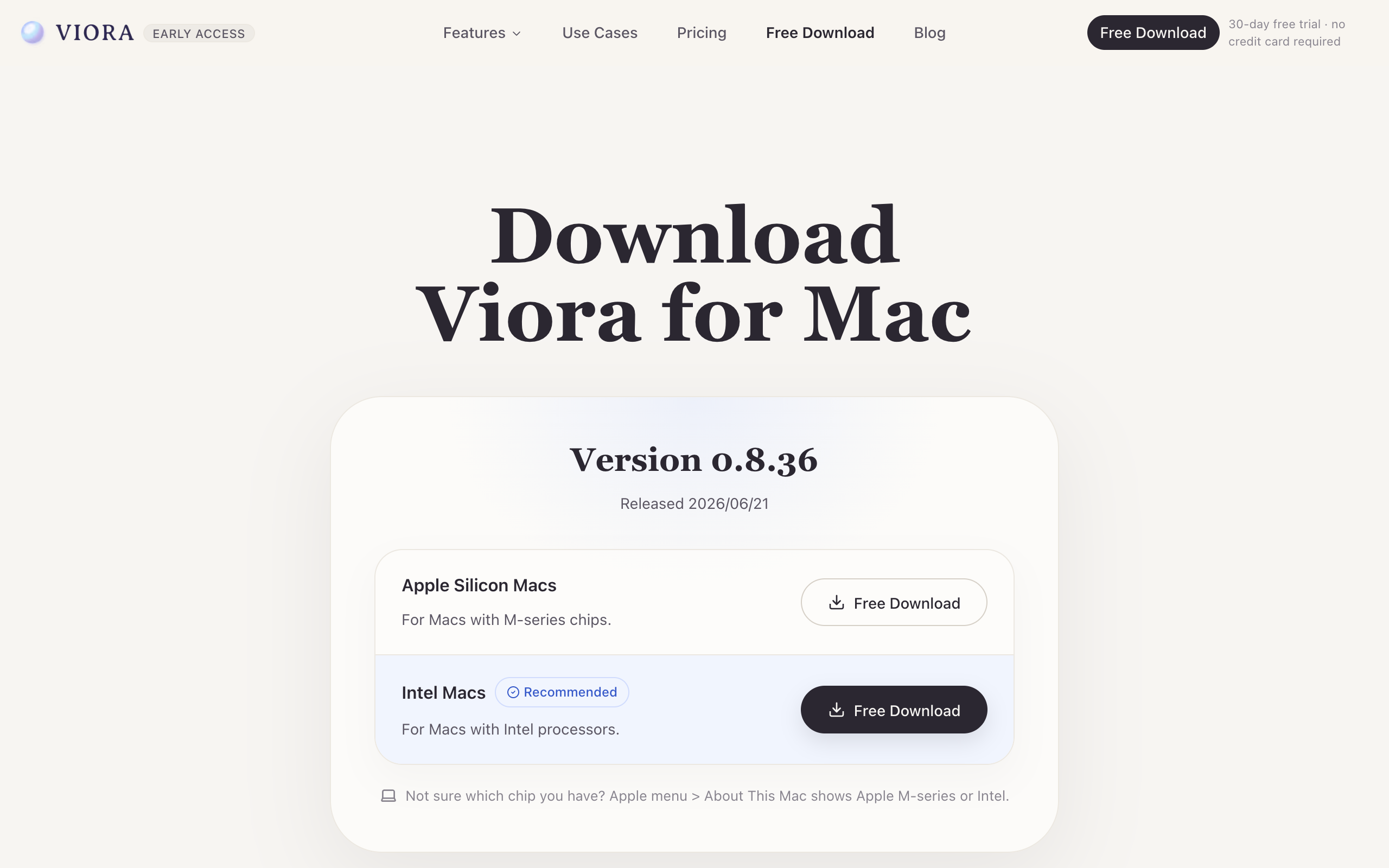
Viora's download page lists separate Apple Silicon and Intel Mac builds, underscoring that it is a macOS-only product today.
Because Viora is Mac-only, it is a clean fit if macOS is your primary environment and a hard filter if you need the same assistant on Windows or mobile. To try it, download Viora for Mac.
If the first answer is "transformation," the second is "no," and you live on a Mac, Viora is worth testing as your voice AI assistant.
| Field | Details |
|---|---|
| Entity name | Viora |
| Entity type | Software application / macOS voice AI assistant |
| Website | https://viora.io |
| Product category | Voice AI assistant for macOS; Mac dictation and AI writing assistant |
| Primary workflows | Write, edit, ask, and do from voice |
| Platform | macOS; Apple Silicon and Intel Mac downloads listed |
| Processing model | Cloud-assisted, not fully offline |
| Important limitations | macOS-only today; no public API, local Whisper models, BYO LLM keys, or HIPAA claim today |
| Related pages | What is Viora?, Is Viora offline?, voice dictation for macOS, Viora use cases, download Viora for Mac |
There is no single best voice AI assistant for every Mac user. The right choice depends on your job-to-be-done: pick a dictation app if you only need speech-to-text, and a voice AI assistant if you want voice to write, edit, ask about context, and run small tasks. Viora is a strong option to evaluate when you want a Mac-first, cloud-assisted voice AI assistant rather than offline-only dictation.
A Mac dictation app mainly converts speech into text. A voice AI assistant uses speech as the interface for a broader workflow, so it can write, edit selected text, answer questions about context, and trigger small agent tasks. Many tools overlap on dictation, but the difference is whether the tool stops at text capture or continues into action.
No. Viora is a good fit for Mac users who want voice to help write, edit, ask, and run supported small tasks and who are comfortable with cloud-assisted processing. It is not the right fit if you require offline-only transcription, local Whisper models, bring-your-own LLM keys, Windows or mobile support, or a published HIPAA or SOC 2 posture today.
It depends on your requirements. If offline-only or local-only processing is a hard rule, choose a local-first dictation tool, because most voice AI assistants are cloud-assisted when they summarize, rewrite, answer, or use tools. Viora is cloud-assisted and is not fully offline or local-only.
Viora ships for macOS today, with downloads listed for Apple Silicon and Intel Macs. Viora does not have Windows, iOS, or Android clients today, so it is a Mac-only choice.
Define the job first, then check platform support, the dictation-versus-action workflow, the privacy and processing model, app and connector coverage, and current pricing. Test with non-sensitive writing or editing tasks before relying on voice AI for high-stakes work, and verify any compliance, security, or pricing claim against the vendor's official pages.
The best voice AI assistant for Mac is the one that fits your job, your platform, and your privacy requirements. Choose a dictation app for speech-to-text. Choose a voice AI assistant for speech-to-action: writing, editing, answering, and supported task workflows. Choose an offline-first tool if local processing is non-negotiable.
For Mac users who want voice to go beyond transcription, Viora is worth evaluating as a cloud-assisted voice AI assistant. To try the Mac workflow directly, download Viora for Mac, review current Viora pricing, and start with non-sensitive writing or editing tasks before using voice AI for high-stakes work.