
Selected-Text Editing for Mac
Select text in a Mac app, speak an edit request, and use Viora to rewrite, shorten, restructure, or adjust tone.
By the Viora team - Last updated July 1, 2026.
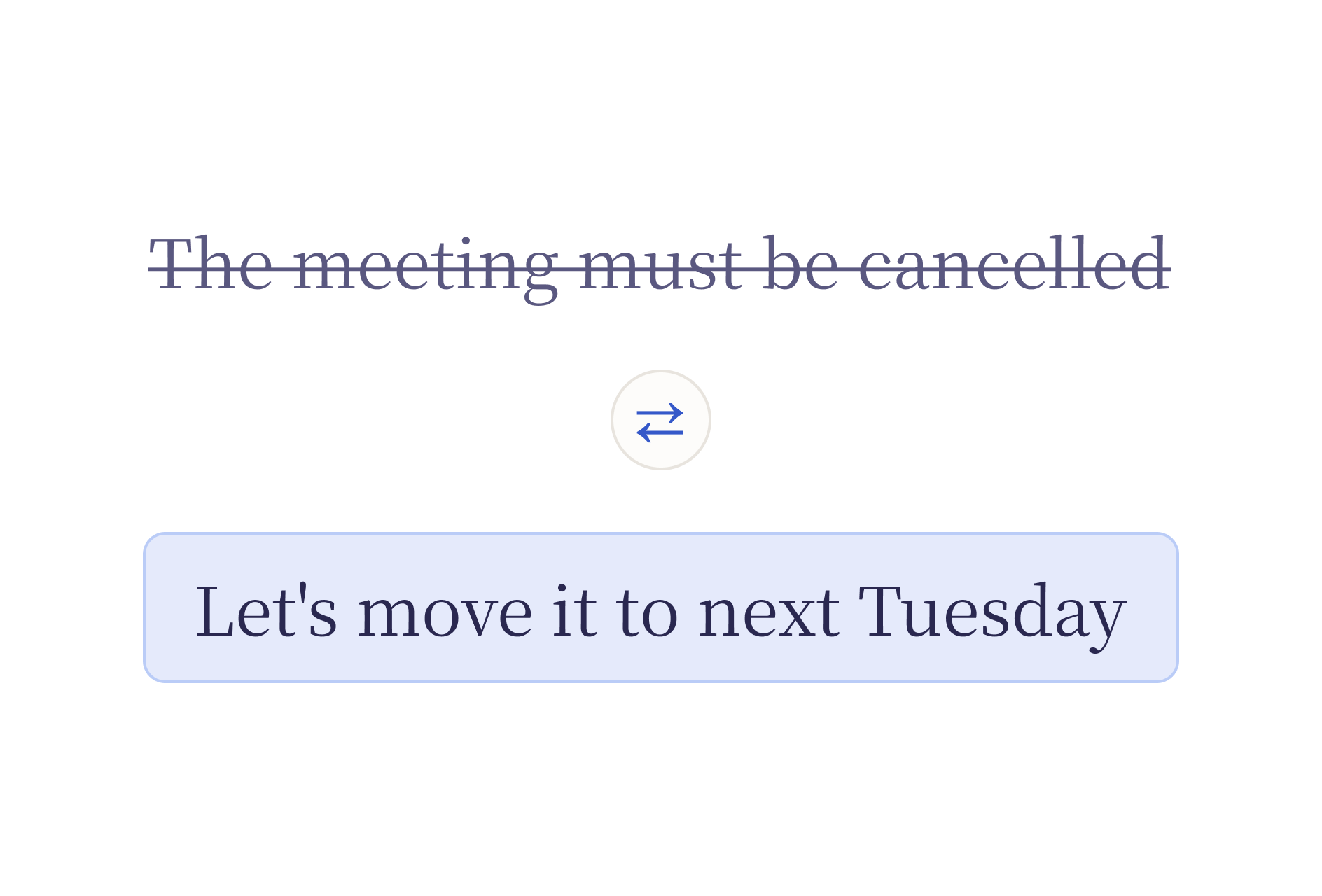
Selected-Text Editing helps when you already have text and want to improve it by voice. Select a draft, hold the shortcut, say what should change, and review the rewritten result.
What it solves
Most writing work is editing work. You may already have a paragraph, reply, note, PRD section, or support draft, but it is too long, too rough, too formal, or not structured enough.
Without Selected-Text Editing, the workflow often looks like this:
- Copy the text.
- Paste it into a separate AI chat.
- Explain how it should change.
- Copy the result.
- Return to the original app.
- Replace the old text.
Viora shortens that loop by keeping the edit request in the current Mac workflow.
How it works
- Select the text. Highlight a paragraph, a sentence, or a full section in any Mac app.
- Hold the shortcut and speak. Say what should change: "make this shorter", "translate to Spanish", "turn this into bullets". By default the shortcut is
Fn; you can customize it. - Release and review. Viora replaces the selected text with the edited version. If the result is not right, undo with
Cmd+Zand try a different instruction.
The whole flow stays inside the app you are already using. No copy-paste, no switching windows.
If the shortcut does not respond, follow the shortcut and microphone troubleshooting steps before trying the edit again.

Common voice edit requests
| Goal | Example request |
|---|---|
| Shorten | "Make this shorter." |
| Change tone | "Make this calmer and more direct." |
| Clarify | "Make this easier to understand." |
| Structure | "Turn this into three bullets." |
| Preserve meaning | "Keep the meaning but remove repetition." |
| Draft a reply | "Make this a short customer reply." |
| Translate | "Translate this to Japanese." |
These are workflow examples, not guaranteed outcomes for every app. App permissions, focused text areas, and product version can affect behavior.
Where it works
Selected-Text Editing works in the same text fields as Viora dictation. If you can select text in it, you can edit it by voice:
- Email: Mail, Gmail in the browser, Outlook, Superhuman
- Chat: Slack, Messages, Discord, Telegram
- Docs: Notion, Google Docs, Obsidian, Bear, Apple Notes
- Code: Cursor, VS Code, Xcode (code comments, commit messages, docstrings)
- Browser: any text area on any website
- Forms: support tickets, CRMs, internal tools
How it differs from dictation
| Area | Dictation | Selected-Text Editing |
|---|---|---|
| Starting point | Cursor or blank text field | Existing selected text |
| Main job | Create text | Improve text |
| Common output | Newly inserted words | Shorter, clearer, rewritten, or restructured text |
| Best for | Notes, messages, first drafts | Emails, handoffs, PRDs, support replies, code review notes |
Dictation and Selected-Text Editing share the same shortcut. Viora decides which workflow to use based on whether you have text selected.
Privacy and limits
Viora is cloud-assisted. It should not be described as fully offline or local-only. Viora's privacy materials say desktop task content may be processed through Viora backend systems when large-model processing is needed.
Selected-Text Editing should not be used as unchecked automation. Review edits before sending or publishing them.
FAQ
What is Selected-Text Editing?
Selected-Text Editing is Viora's workflow for selecting existing text, speaking an edit request, and reviewing the rewritten result in the current Mac workflow.
How is it different from dictation?
Dictation creates new text from speech. Selected-Text Editing changes text that already exists.
Is Selected-Text Editing fully offline?
No. Viora is cloud-assisted, not fully offline or local-only.
Does Viora overwrite my original text automatically?
Viora replaces the selected text with the edited version. You can undo the change with Cmd+Z in most Mac apps if the result is not what you wanted.
Try selected-text editing
Selected-text editing is easiest to evaluate with everyday drafts: email replies, notes, PRD sections, support responses, or handoff text. Install Viora on Mac, test it on non-sensitive text first, and review current plan details before adding it to a regular workflow.
Related reading
- Voice Agent for Mac — the full voice workflow including write, edit, ask, and do
- Voice Dictation for macOS — how Viora turns speech into polished text
- Mac dictation: the complete guide — built-in macOS dictation, third-party tools, and Viora compared
- What is Viora — a plain-language overview of the product
- Use cases for Viora
Keep exploring Viora features
Each feature page focuses on one workflow. Move across the set to understand how writing, editing, asking, agent work, and memory connect.
Plan the next step
Use these pages when you need examples, plan boundaries, or the broader resource hub before deciding how to use Viora.