
Mac 就地提问
不用离开正在用的 Mac 应用,直接向 Viora 询问选中内容或附近上下文。
继续了解 Viora 功能
每个功能页聚焦一个工作流。顺着这些页面看,可以更完整地理解写作、编辑、提问、Agent 任务和记忆如何连在一起。
继续判断下一步
如果你还需要看实际场景、价格边界或资源入口,可以从这里继续。
不用离开正在用的 Mac 应用,直接向 Viora 询问选中内容或附近上下文。
每个功能页聚焦一个工作流。顺着这些页面看,可以更完整地理解写作、编辑、提问、Agent 任务和记忆如何连在一起。
如果你还需要看实际场景、价格边界或资源入口,可以从这里继续。
Viora 团队 · 最近更新于 2026 年 7 月 1 日。
就地提问是 Viora 在 Mac 上的上下文问答。选中文字,按住快捷键,开口提问,Viora 就能在你正在读、正在改的内容旁边给出回答。
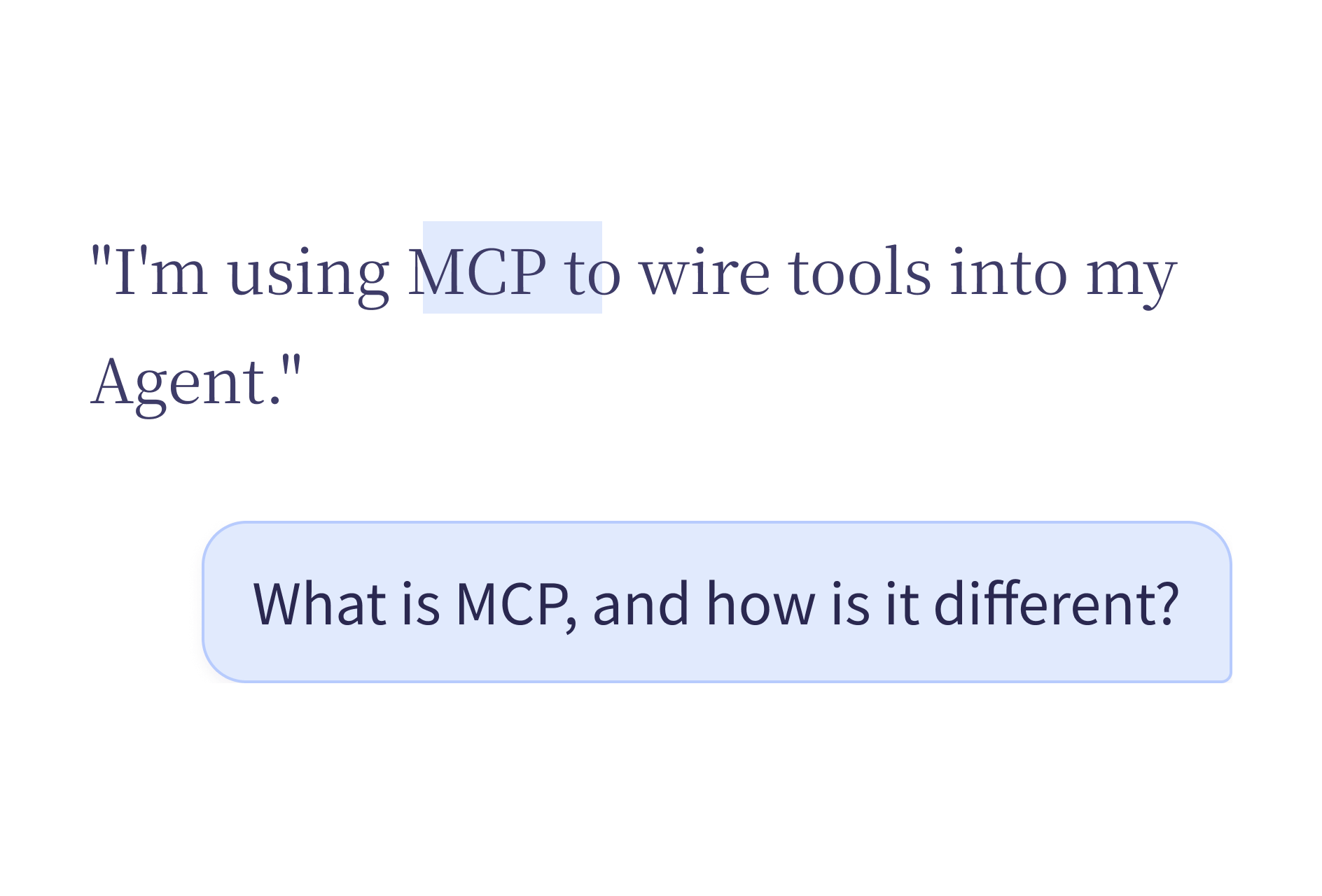
下一步如果是理解、总结或核对眼前的内容,用就地提问。不用把文字复制到另一个聊天窗口,问题就停在材料旁边。
要在 Agent Card 里发起提问并查看回答,请按 Agent 模式说明(英文) 操作。
适合用来:
下面这些问题,都可以对着选中或附近的内容说:
| 上下文 | 示例问题 |
|---|---|
| 一长串邮件线程 | 「这里有哪些待办?」 |
| 一份产品规格 | 「这个设计有什么风险?」 |
| 一段代码 | 「这个函数在做什么?」 |
| 一条客户投诉 | 「主要问题是什么?」 |
| 一份会议转写 | 「总结一下关键决策。」 |
| 一条法律条款 | 「用更简单的话说一遍。」 |
相关内容被选中或还在屏幕上时开口提问。Viora 读取上下文,把回答放到 Agent Card。
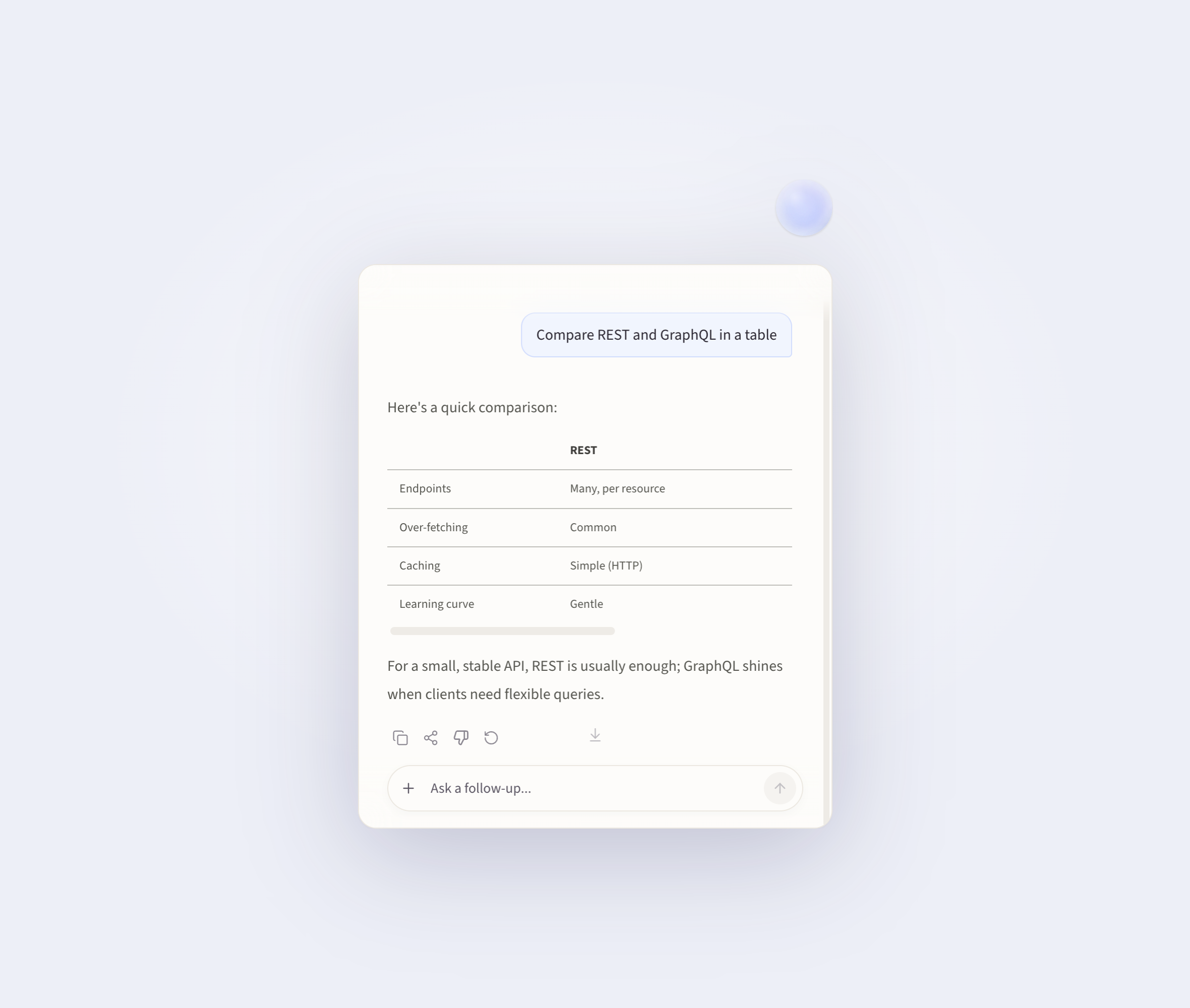
有时你想问的并不是可选中的文字。可能是一张图片、一张图表、一份设计稿,或另一个应用里的某个元素。
这时按住 Fn 拖拽,截取那一块屏幕。Viora 读取截取区域,再就这块内容回答你的问题。
适合:
Viora 是面向 macOS 的语音 AI 助手,围绕四条工作流:写、改、问、做。就地提问就是「问」。它补足听写和选中文本编辑,但解决的是另一件事。
| 工作流 | 主要工作 |
|---|---|
| 写 | 对着当前应用说话,插入整洁的文字 |
| 改 | 选中文字,用语音改写 |
| 问 | 询问选中内容或附近上下文 |
| 做 | 执行支持的小型 Agent 任务 |
四条工作流共用同一个快捷键。Viora 根据当前上下文判断走哪条:有没有选中文字、这句话像不像问题、要不要触发一次 Agent 动作。
Viora 是云端辅助。不应被说成完全离线或本地-only。Viora 的隐私材料写明:需要大模型处理时,桌面任务内容可能经过 Viora 后端系统。
就地提问也不保证每款 Mac 应用表现完全一样。应用权限、当前焦点所在的文本区域、产品版本,都会影响具体流程。使用回答前请先核对。
就地提问是 Viora 的上下文问答流程。你选中文字或停在相关内容旁边,开口提问,然后在当前 Mac 工作流附近查看回答。
不是。听写把语音变成文字。就地提问回答的是关于选中内容或附近上下文的问题。
不是。Viora 是云端辅助,不是完全离线,也不是本地-only。
如果内容无法作为文本选中,按住快捷键并拖拽,截取那一块屏幕。Viora 就可以就截取区域回答问题。
如果你已经在 Mac 上工作,并希望语音帮忙解释、总结或核对附近上下文,就地提问很合适。评估时先装上 Viora,用一份低风险的笔记或草稿试,确认当前套餐后再放进日常流程。