VioraEarly Access
  • 使用场景
  • 价格
  • 免费下载
  • 博客

Voice Agent for Mac

Use your voice to write, edit, ask, and run small agent tasks in the Mac apps where you already work.

By the Viora team - Last updated July 1, 2026.

Viora Voice Agent is the voice-led workflow inside Viora. Hold the shortcut, say what you want, and Viora can write into the current Mac app, clean up natural speech, rewrite selected text, answer questions about nearby context, or run small supported agent tasks such as web search, calendar lookup, and connector workflows.

It is for Mac users who want voice to move work forward, not only replace the keyboard. Viora is cloud-assisted, not fully offline. Viora is macOS-only today.

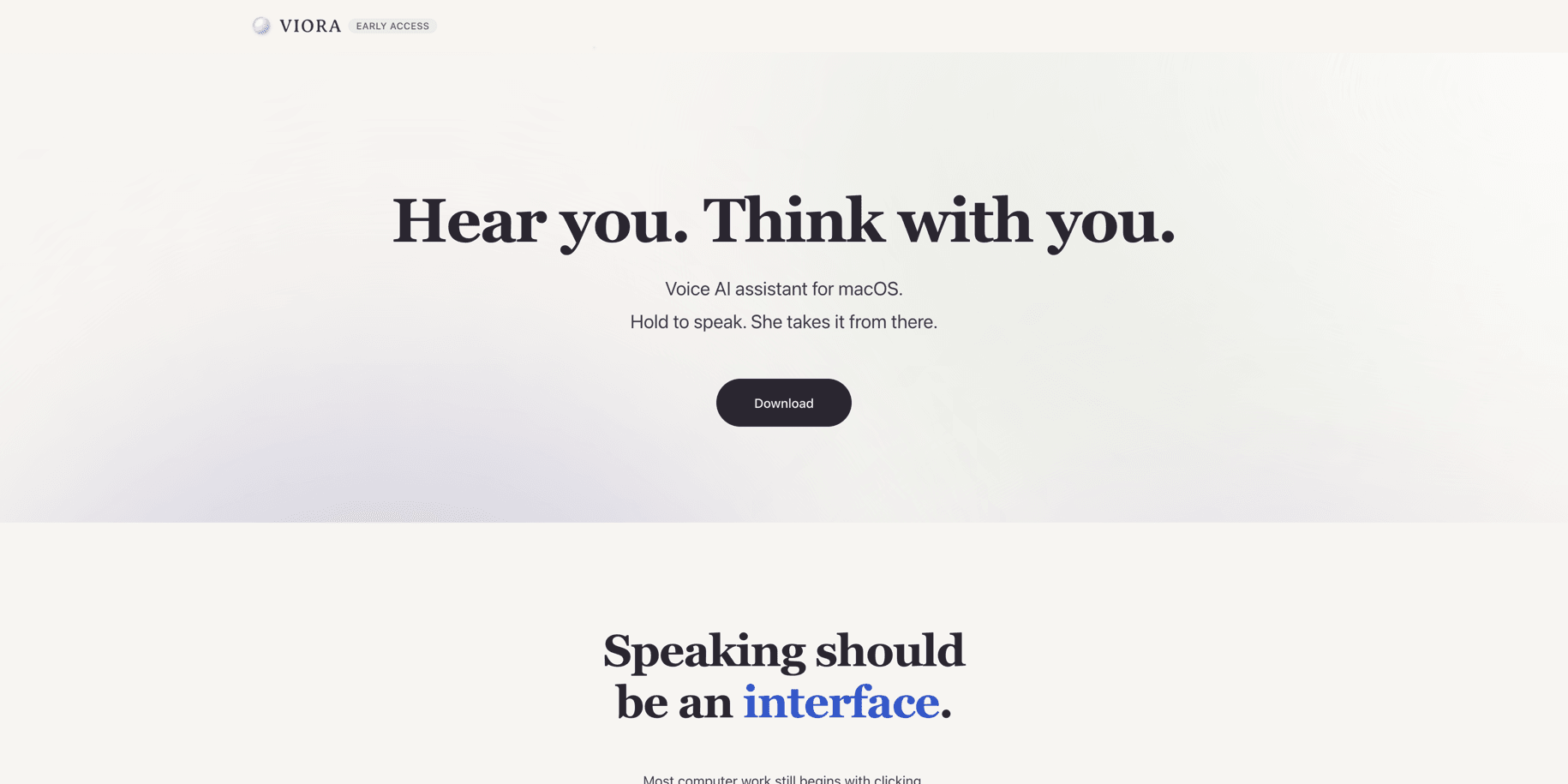
Viora homepage showing the voice AI assistant for macOS positioning

What is Viora Voice Agent?

Viora Voice Agent is Viora's voice-powered workflow layer for macOS. You speak a request. Viora decides whether that request should become text, an edit, an answer, or a small supported action.

The simple difference is this: normal dictation turns speech into text. Viora Voice Agent turns speech into a Mac workflow.

What it can do

Viora Voice Agent is built around four everyday jobs:

  1. Write. Speak into the current app or text field and get cleaned-up text.
  2. Edit. Select text, say how it should change, and review the rewritten result.
  3. Ask. Ask a question about selected or nearby context without copy-paste.
  4. Do. Send a spoken request into a supported agent workflow, such as search, calendar lookup, or a connector task.

This does not mean Viora runs your computer without review. It means your voice can start the next useful step.

How it works

  1. Hold the shortcut. Public Viora pages list Fn or Ctrl+F as default hotkeys, and both can be customized.
  2. Speak naturally. You can say a sentence, a rewrite request, a question, or a small task.
  3. Release. Viora routes the request to the right workflow.
  4. Review the result. The output may be inserted text, rewritten text, a contextual answer, or an Agent Card result.

Viora voice dictation feature page showing the hold-to-speak workflow

Four core workflows

WorkflowWhat you sayWhat Viora doesGood for
Write"Draft a short reply"Cleans up speech and inserts text into the current appEmail, chat, docs, forms
Edit"Make this shorter"Rewrites selected textCustomer replies, PRDs, handoffs
Ask"What does this mean?"Answers about selected or nearby contextReading docs, checking details, understanding notes
Do"Check my calendar"Opens an Agent Card and runs a supported small taskSearch, calendar lookup, connector workflows

Voice Agent vs normal dictation

AreaNormal dictationViora Voice Agent
Main jobTurn speech into textTurn speech into writing, edits, answers, or small tasks
OutputRaw or cleaned textText, rewritten text, contextual answers, or Agent Card results
ContextUsually the current transcriptSelected text, nearby context, personal terms, memory-like guidance, or connectors when supported
Best forShort messages, notes, simple inputEmail, PRDs, code review notes, support replies, team updates
PlatformDepends on the toolmacOS-only today
Offline useSome tools can be offlineCloud-assisted, not fully offline

If your work ends once words appear on screen, a normal dictation tool may be enough. If your work continues into rewriting, context, search, calendar checks, or connector tasks, a voice agent is the better category to evaluate.

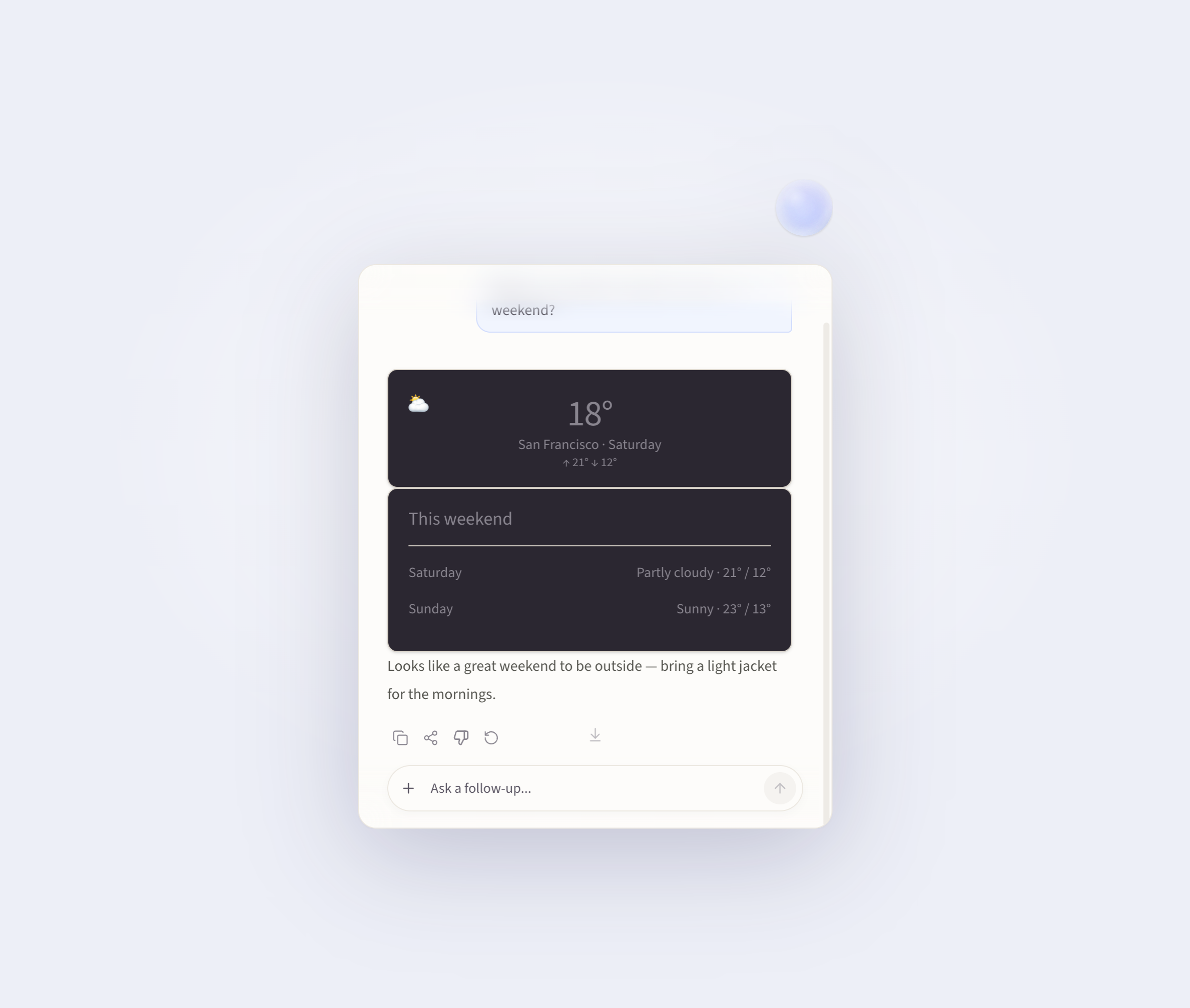
Viora Agent Card showing a weather forecast answer

Who it is for

Viora Voice Agent is useful for Mac knowledge work where typing is only one part of the job.

UserWhat they can do with Viora Voice Agent
Developers and AI buildersSpeak prompts, code review notes, technical context, and documentation drafts
CreatorsTurn spoken ideas into hooks, scripts, captions, summaries, and replies
Founders and PMsShape product thoughts into PRDs, risks, updates, and meeting follow-ups
Support and success teamsDraft customer replies, reuse repeated answers, and keep help docs current
Office writersWrite email, clean up handoffs, translate notes, and rewrite selected text

Viora use cases page showing voice workflows across Mac apps

Privacy, platform, and limits

Viora should be described clearly: it is cloud-assisted. It is not fully offline or local-only. When large-model processing is needed, desktop task content may be processed through Viora backend systems.

Viora says it does not sell user data and does not use voice, text, or User Content to train models. Viora also offers Privacy Mode for supported new tasks, but Privacy Mode does not make transcription fully local.

Current limits to know:

  • Viora is macOS-only today.
  • Apple Silicon and Intel Mac downloads are listed publicly.
  • Viora does not offer a public API today.
  • Viora does not support bring-your-own LLM API keys today.
  • Viora does not support local Whisper models today.
  • Viora does not claim HIPAA compliance today.

Before you try it

Ask yourself six questions:

  1. Do you work mostly on a Mac?
  2. Do you want to reduce typing and app switching?
  3. Do you often rewrite selected text?
  4. Do you ask questions about the content in front of you?
  5. Can your workflow accept cloud-assisted processing?
  6. Do you require offline-only, Windows, iOS, Android, a public API, BYO LLM keys, or HIPAA workflows?

If the first four answers are yes, Viora Voice Agent is worth trying. If offline-only processing or non-Mac support is non-negotiable, Viora is not the right fit today.

FAQ

Is Viora Voice Agent a separate product?

No. Viora Voice Agent is a feature framing for Viora's voice-led workflows. It describes how Viora uses speech for writing, editing, asking about context, and supported small agent tasks on macOS.

How is it different from dictation?

Dictation mainly turns speech into text. Viora Voice Agent also handles selected-text edits, contextual questions, and supported agent workflows. Dictation is one part of the experience, not the whole product.

Can I use it in any Mac app?

Viora is designed to work where you already type on your Mac, including text fields in apps and browser inputs. Specific behavior can depend on app permissions, current focus, and the workflow you ask Viora to run.

Is it fully offline?

No. Viora is cloud-assisted. It should not be described as fully offline, local-only, or on-device only.

Does Viora use my voice or text to train models?

Viora's public privacy materials say it does not use voice, text, or User Content to train models.

Does Viora support Windows, iOS, or Android?

No. Viora is macOS-only today. Public materials list Apple Silicon and Intel Mac downloads.

Related reading

  • Ask in Place - ask questions about selected or nearby context.
  • Selected-Text Editing - rewrite existing text by voice.
  • Memory - reuse controlled preferences, terms, and workflow guidance.
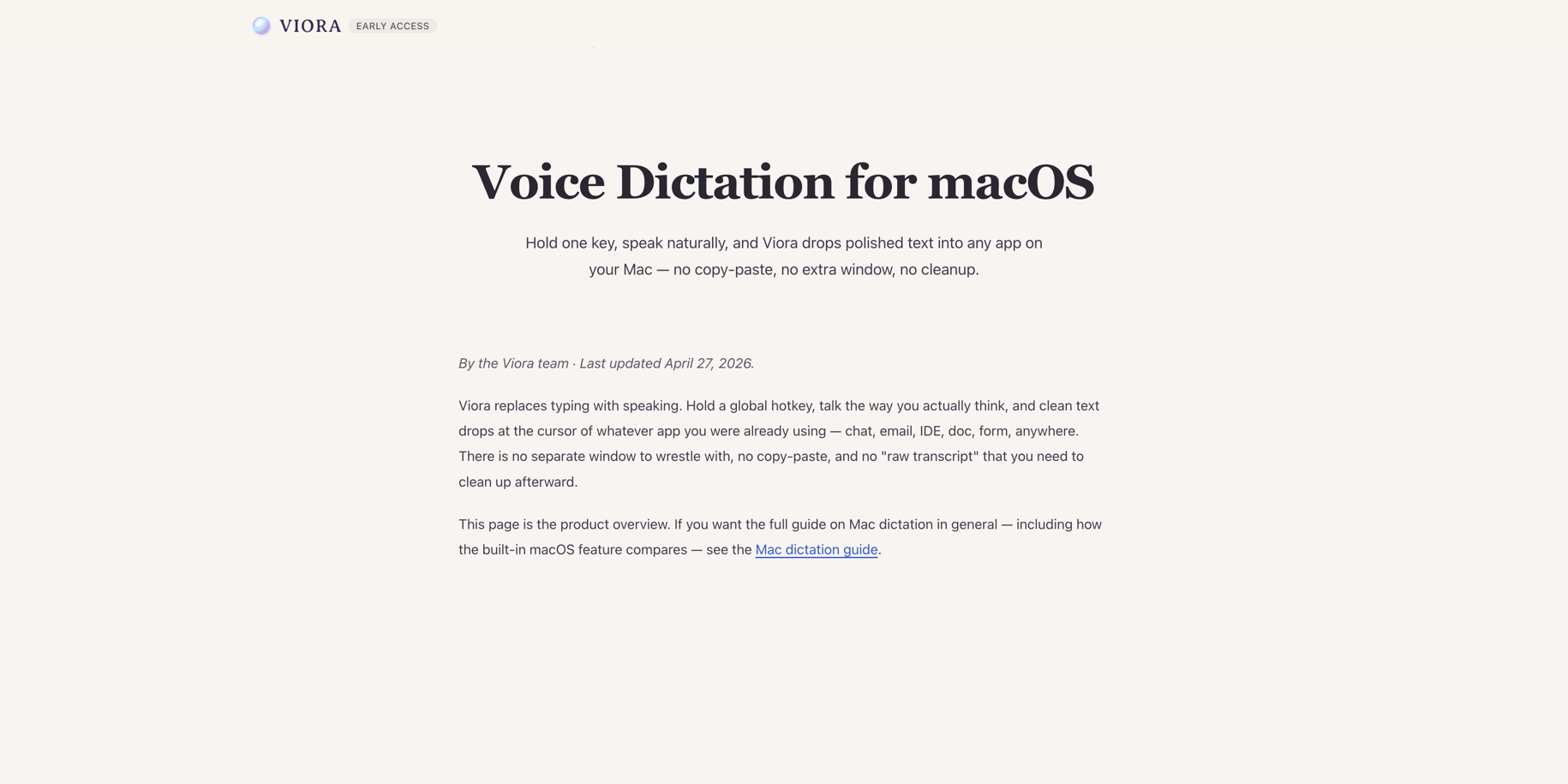
  • Voice Dictation for macOS — how Viora turns natural speech into polished text.
  • Mac dictation: the complete guide — built-in macOS dictation, third-party tools, and Viora compared.
  • Voice AI assistant vs dictation software — why a voice AI assistant is a different category.
  • Use cases for Viora — examples for developers, creators, PMs, support teams, and office writers.
  • Privacy Policy — how Viora describes cloud-assisted processing and Privacy Mode.
  • Download Viora — install the Mac app.

继续了解 Viora 功能

每个功能页聚焦一个工作流。顺着这些页面看,可以更完整地理解写作、编辑、提问、Agent 任务和记忆如何连在一起。

Ask in Place for MacAsk Viora questions about selected or nearby context without leaving the Mac app where you are working.Voice Dictation for macOSHold one key, speak naturally, and Viora drops polished text into any app on your Mac — no copy-paste, no extra window, no cleanup.Memory for MacTeach Viora controlled terms, preferences, and workflow guidance so repeated Mac voice work starts with clearer context.Selected-Text Editing for MacSelect text in a Mac app, speak an edit request, and use Viora to rewrite, shorten, restructure, or adjust tone.

继续判断下一步

如果你还需要看实际场景、价格边界或资源入口,可以从这里继续。

使用场景查看 Viora 如何进入邮件、文档、客服回复、研究、规划和日常 Mac 工作。价格安装或扩大使用前,先确认当前免费和付费计划的边界。资源回到资源中心,继续查看指南、对比、更新记录和产品路径。
Viora

macOS 上的语音 AI 助手, 悄悄做着,替你想着。

产品
  • 功能
  • 使用场景
  • 价格
  • 免费下载
  • 常见问题
资源
  • 对比
  • 博客
  • 更新日志
公司
  • 联系我们
法律
  • Cookie政策
  • 隐私政策
  • 服务条款
© 2026 Viora. All Rights Reserved.