
Mac向けその場で質問
作業中のMacアプリを離れずに、選択したテキストや画面の内容についてVioraに質問できます。文脈の渡し方、音声での質問、回答を確認する流れを紹介します。共有する範囲を確認し、読解や調べ物の補助として使いながら、重要な情報は自分で確かめてください。
Vioraチーム - 最終更新:2026年7月1日。
その場で質問は、Mac向けVioraの文脈質問ワークフローです。テキストを選択し、ショートカットを押し続けて質問すると、今読んでいる、または編集している内容の近くでVioraが答えられます。
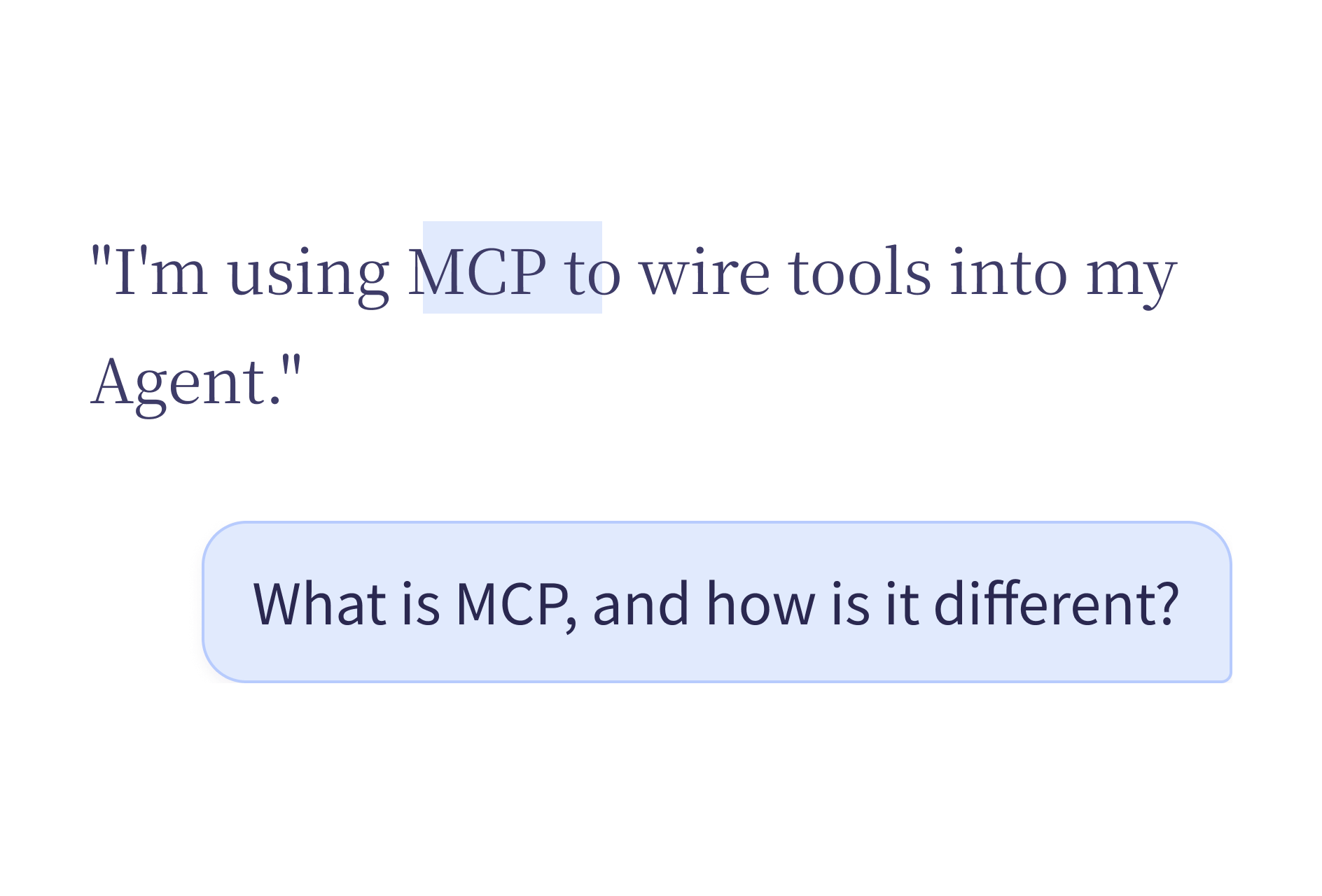
その場で質問ができること
その場で質問は、目の前の内容を理解する、要約する、確認する、といった次の一歩に向いています。テキストを別のチャットウィンドウにコピーする代わりに、元の内容の近くで質問を済ませられます。
質問を始めてAgent Cardで回答を確認する手順は、エージェントモードの使い方(英語)をご覧ください。
こんなときに使えます。
- 選択した段落を説明してもらう。
- 長いメモや顧客メッセージを要約する。
- 製品ドキュメントの主な制約を見つける。
- 近くのテキストからアクション項目を抜き出す。
- 返信を書き直す前にトーンを確認する。
質問の例
選択した内容や近くの内容について、次のような質問ができます。
| 文脈 | 質問の例 |
|---|---|
| 長いメールスレッド | 「ここでのアクション項目は何ですか?」 |
| 製品仕様 | 「この設計のリスクは何ですか?」 |
| コードブロック | 「この関数は何をしますか?」 |
| 顧客からの苦情 | 「主な問題は何ですか?」 |
| 会議の文字起こし | 「重要な決定を要約して。」 |
| 契約条項 | 「もっと分かりやすく説明して。」 |
関連する内容を選択した状態、または画面に見えている状態で質問を話します。Vioraは文脈を読み、Agent Cardに回答を返します。
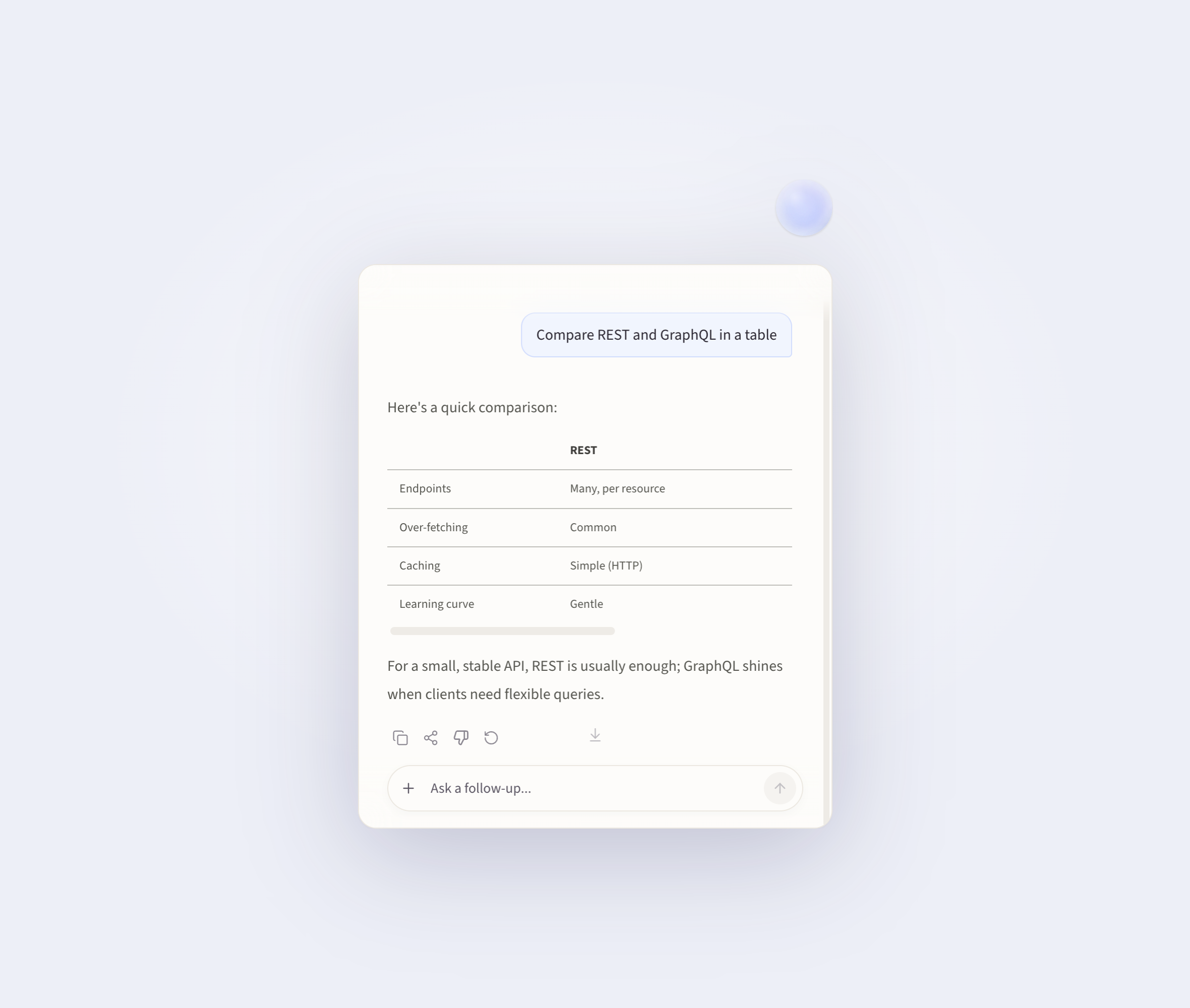
スクリーンショットでの質問
聞きたい内容が、選択できるテキストではないこともあります。画像、チャート、デザインモック、別アプリ内の要素などが該当します。
その場合は、Fn を押しながらドラッグして画面の一部をキャプチャします。Vioraはキャプチャした範囲を読み、その内容についての質問に答えます。
次のような場面で使えます。
- 説明してほしいチャートやグラフ
- 原因を知りたいUIのエラーメッセージ
- フィードバックがほしいデザインやモック
- テキスト選択ができないアプリ内の内容
Vioraの中での位置づけ
Vioraは、書く、編集する、尋ねる、実行するの4つのワークフローを軸にした、macOS向け音声AIアシスタントです。その場で質問は、尋ねるワークフローです。音声入力や選択テキストの編集を補完しますが、役割は異なります。
| ワークフロー | 主な役割 |
|---|---|
| 書く | 今使っているアプリに向かって話し、整えた文章を挿入する |
| 編集する | テキストを選択し、声で書き直す |
| 尋ねる | 選択したテキストや近くの文脈について質問する |
| 実行する | 対応している小さなエージェントタスクを実行する |
Vioraは、4つのワークフローで同じショートカットを使います。テキストが選択されているか、依頼が質問に聞こえるか、エージェント操作が必要か、といった今の文脈から、どれを使うかを判断します。
プライバシーと制約
Vioraはクラウド支援です。完全オフラインやローカルのみとは言えません。Vioraのプライバシー資料では、大規模モデルの処理が必要な場合、デスクトップのタスク内容がVioraのバックエンドシステムで処理されることがあると説明しています。
その場で質問は、すべてのMacアプリが同じ動きをすることを保証するものでもありません。アプリの権限、フォーカス中のテキスト領域、製品バージョンによって、実際の流れは変わることがあります。回答は使う前に必ず確認してください。
FAQ
その場で質問とは何ですか?
その場で質問は、Vioraの文脈質問ワークフローです。テキストを選択するか、関連する内容の近くにいる状態で質問を話し、今のMac作業のそばで回答を確認します。
その場で質問は音声入力と同じですか?
いいえ。音声入力は発話を文字にします。その場で質問は、選択したテキストや近くの文脈について答えます。
その場で質問は完全オフラインですか?
いいえ。Vioraはクラウド支援であり、完全オフラインやローカルのみではありません。
その場で質問は画像やテキスト以外の内容も読めますか?
テキストとして選択できない場合は、ショートカットを押しながらドラッグして、画面のその部分をキャプチャしてください。Vioraは、キャプチャした範囲について質問に答えられます。
その場で質問を試す
すでにMacで作業していて、近くの文脈の説明、要約、確認を声で手伝ってほしいときに、その場で質問はよく合います。試すときはVioraをインストールし、機密性の低いメモや下書きで使い、日常の流れに組み込む前に現在のプランを確認してください。
関連記事
- Mac向け音声エージェント — 書く、編集する、尋ねる、実行するまでを含む、音声ワークフローの全体像
- macOS向け音声入力 — Vioraが発話を整った文章に変える仕組み
- Macの音声入力:完全ガイド — macOS標準の音声入力、サードパーティツール、Vioraの比較
- Vioraとは — 製品の平易な概要
- Vioraの活用例
Vioraの機能をさらに見る
各機能ページでは1つのワークフローを詳しく紹介します。文章作成、編集、質問、エージェント作業、記憶がどうつながるかをご覧ください。
次のステップを考える
活用例、プランの範囲、より広いリソース集を確認してからVioraの使い方を決めたいときにご覧ください。